
Available from the Premium plan.
Yapla lets you use the services of Prolink Insurance: your members can buy professional insurance at the same time as their membership.
Set up the service
First, activate the feature in the Members application settings.
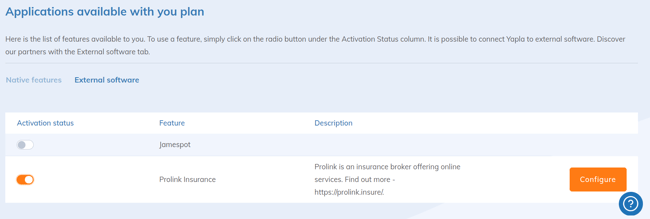
Then enter the connection identifier provided by Prolink Insurance.
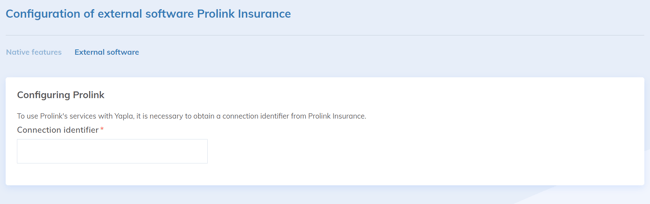
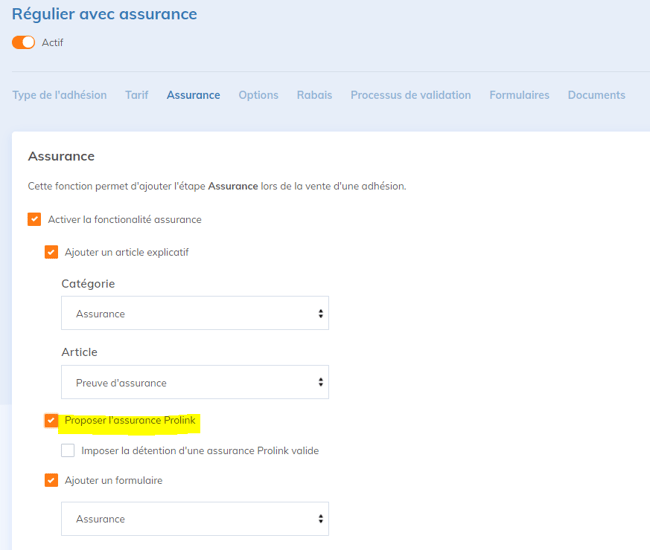
Once a valid identifier is saved, the Prolink option appears in the Insurance tab of your membership types.
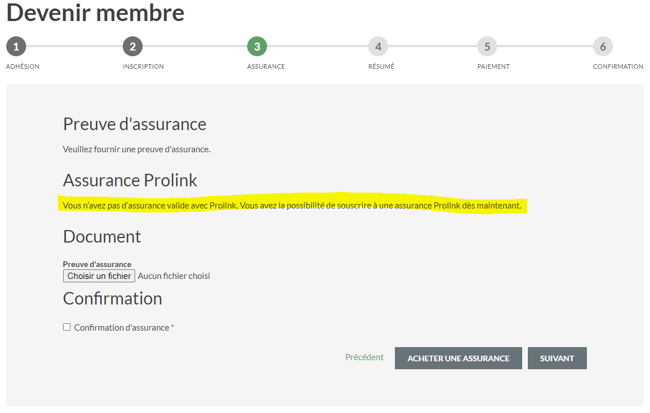
Your members can then buy insurance at the same time as they become members.
Follow your members' insurance
The insurance status (valid, expired, etc.) is checked directly with Prolink. Check it in the Insurance tile of each member's record. This status is not saved in Yapla: it is not included in the members export, unlike the answers to the insurance form (see Export insurance information).