
It is not yet possible to generate QR Codes directly from Yapla to share your membership or donation campaigns, or your events.
However, there are websites that let you turn a URL into a QR code for free, so you can share it across all your communication materials.
Examples of websites that let you do this
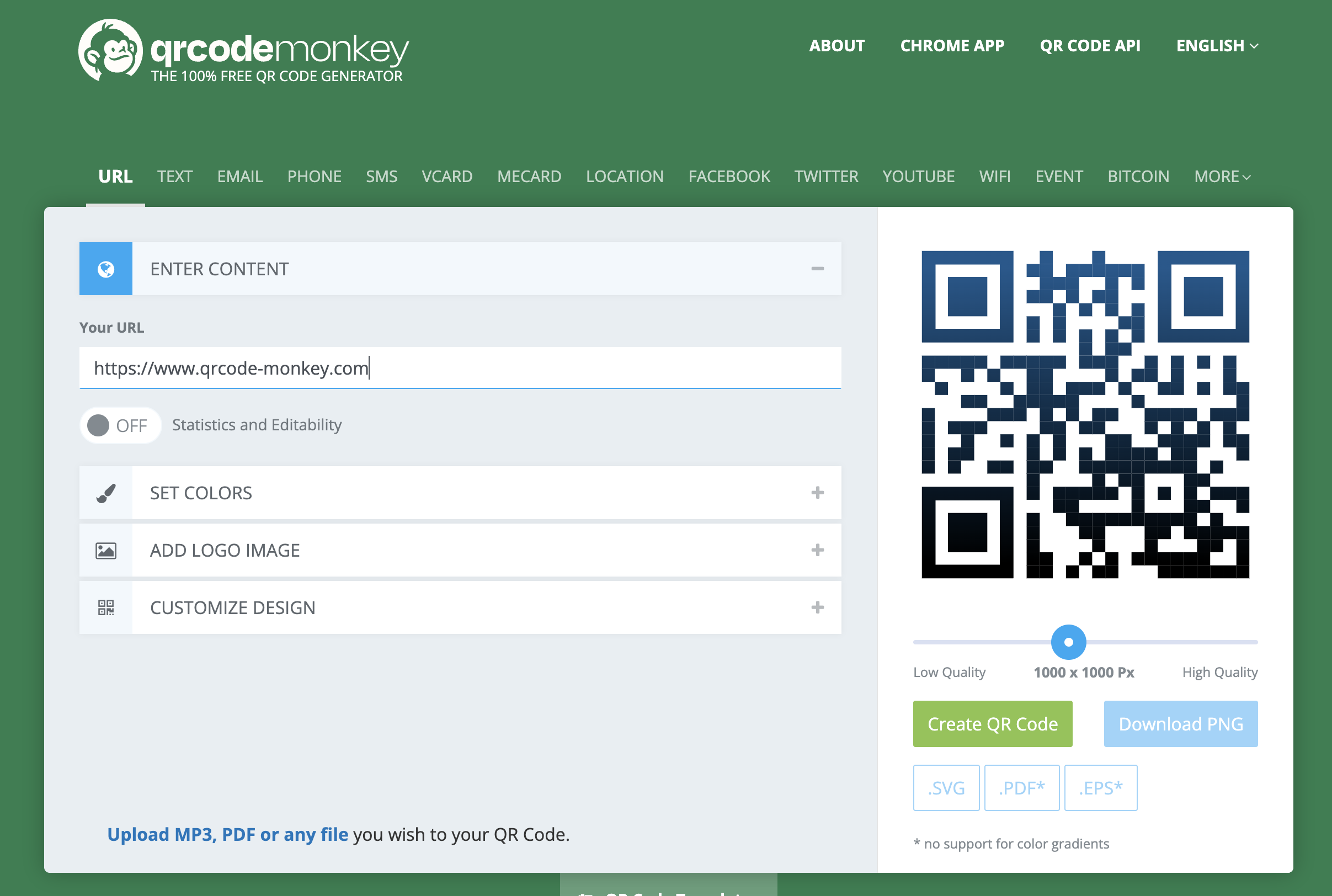
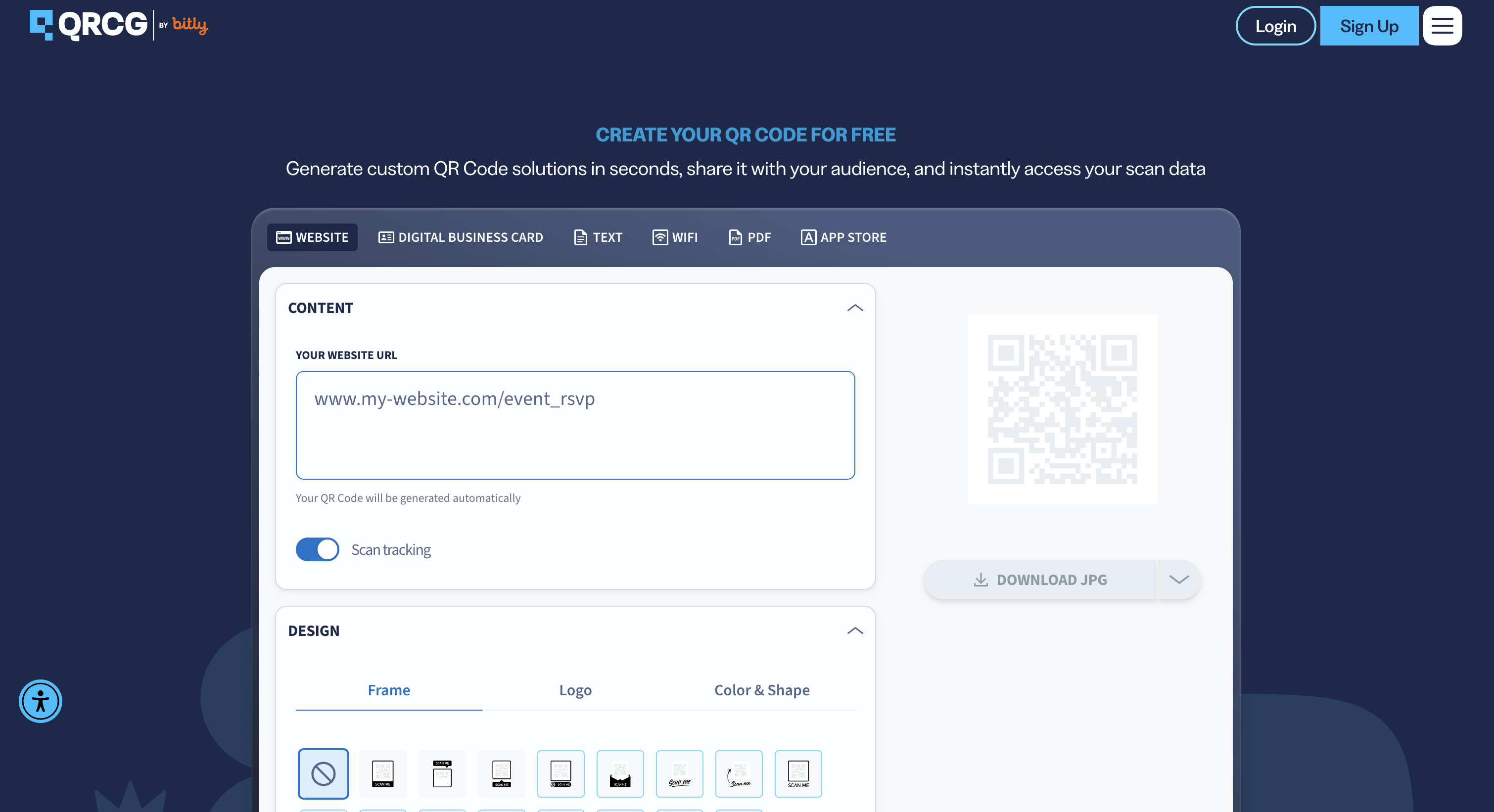
If you want to share your event
Here's what you need to do:
- Get the sharing link (Share my event)
- Paste it into the field labeled "your URL" on the QR code generator of your choice.
- Download the QR code you created (selecting the file type you want, if needed).
All that's left to do is share it with your audience.