
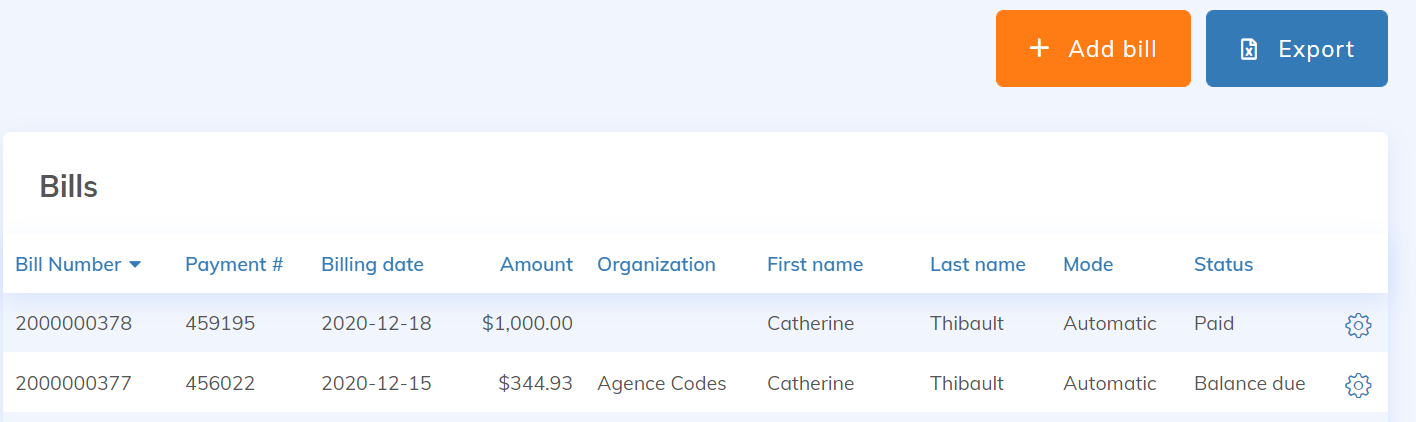
It is also possible to add manual receipts. As part of a more complete management of your accounting in Yapla, it is possible to add receipts for items that are not sold by Yapla. To do this, click on the "Add bill" button at the top right of the list of receipts:
The "Add a billing" form consists of 4 sections:
- Identification : billing date, information of the person
- Billing address
- Amounts details
- Accounting: to associate the corresponding accounts and projects.
Considerations for Manual Invoices
- Adding a manual invoice does not handle taxes. Amounts must be entered inclusive of taxes.
- Once a manual invoice is created, it is no longer possible to change the name of the item sold.
- It is not recommended to create a manual invoice to process transactions for items already configured in your Yapla account (donations, event registrations, memberships). Instead, complete the transaction using the respective features within the desired item by adding a donation, a participant, or a member.
- To change the status of a manual invoice from "Balance Due" to "Paid" or "Canceled," go to the invoice in question, click "Edit," and select the desired status from the drop-down list under "Identification."