Organizations in the Members feature can be managed by organization administrators.
Do not confuse organization administrators with Yapla Platform administrators. Yapla platform administrators are users with an administrator role.
Organization administrators should not be confused with representatives, who are the persons responsible for the organization.
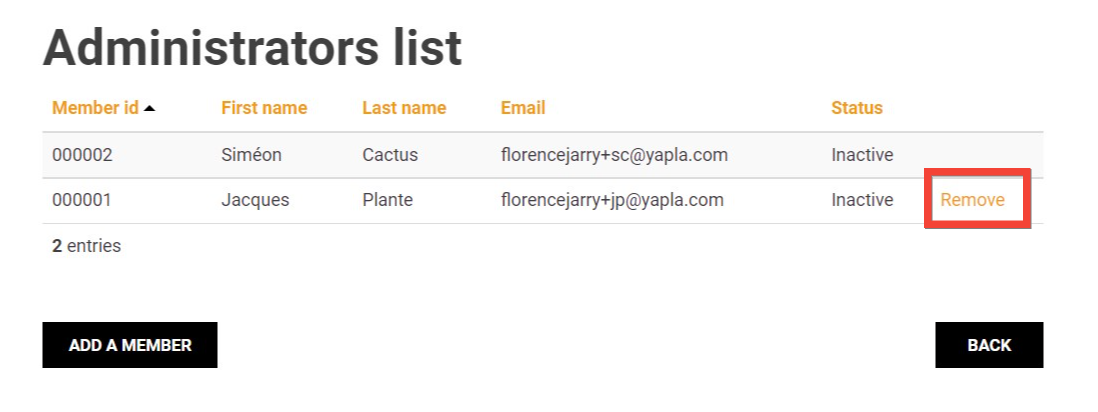
Administrators of an organization in the Members feature can add or remove members from their organization. It is also possible to have multiple administrators per organization.
Adding Organization Administrators
If the organization is created by a member through their Member Space, its creator automatically becomes the Administrator of that organization. They will be able to modify their organization's information from their profile, view its members, and add or remove a member.
If you have directly created your organization via the Yapla Platform, by default, no administrator is assigned. You can add one through the organization record.
Adding Administrators via Yapla
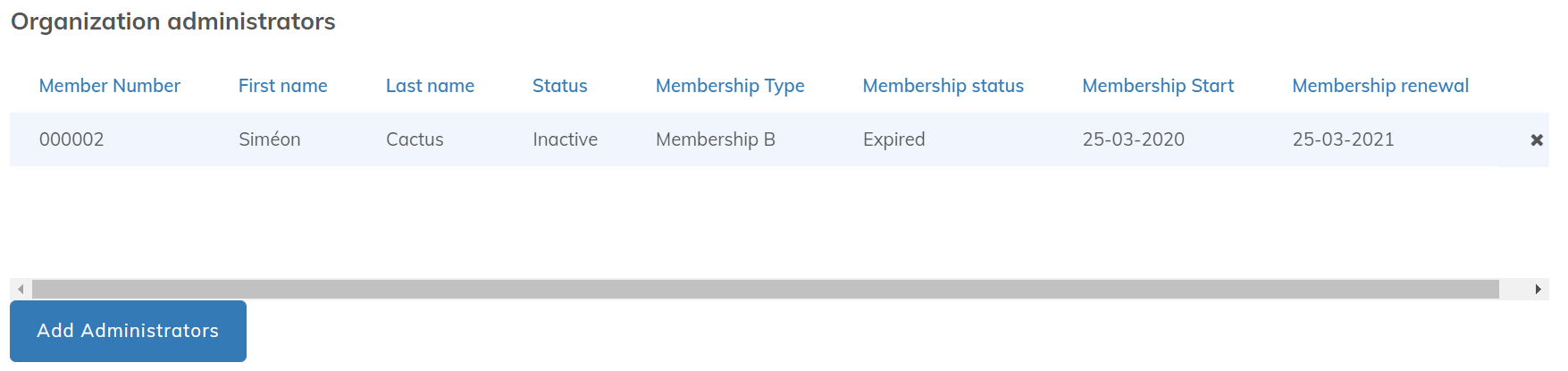
In the organization record, the Organization Administrators section allows you to view existing administrators and add new ones. Click Add an administrator to select one or more members who are already part of the organization.
Warning! Only members who already belong to the organization will appear in the search results when adding an administrator.
Adding Organization Administrators by an Existing Administrator via the Member Space
You can also allow existing administrators to assign administrator status to members already belonging to their organization in the Member Space module configuration from the Website feature.
Under Activate the My Organization feature, check the box Allow assigning ofadministrators.

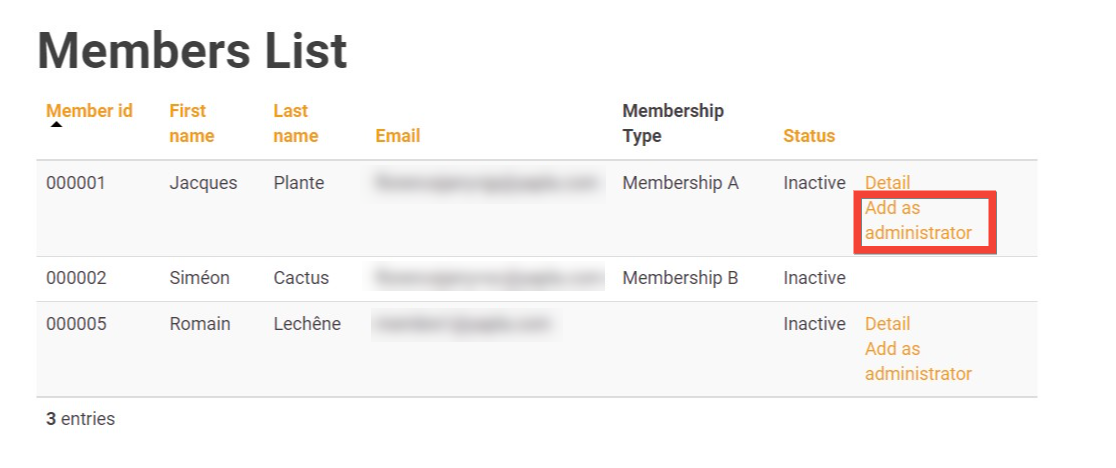
Once the feature is enabled, organization members can be added as administrators directly from the organization's member list in the Member Space.
They can also be removed from the administrators list by other administrators.