
The manual payment link feature provides the flexibility to settle any invoice marked as Awaiting payment for event registrations. This feature allows a user to proceed with the payment without necessarily being logged into a member area.
Activating the payment link
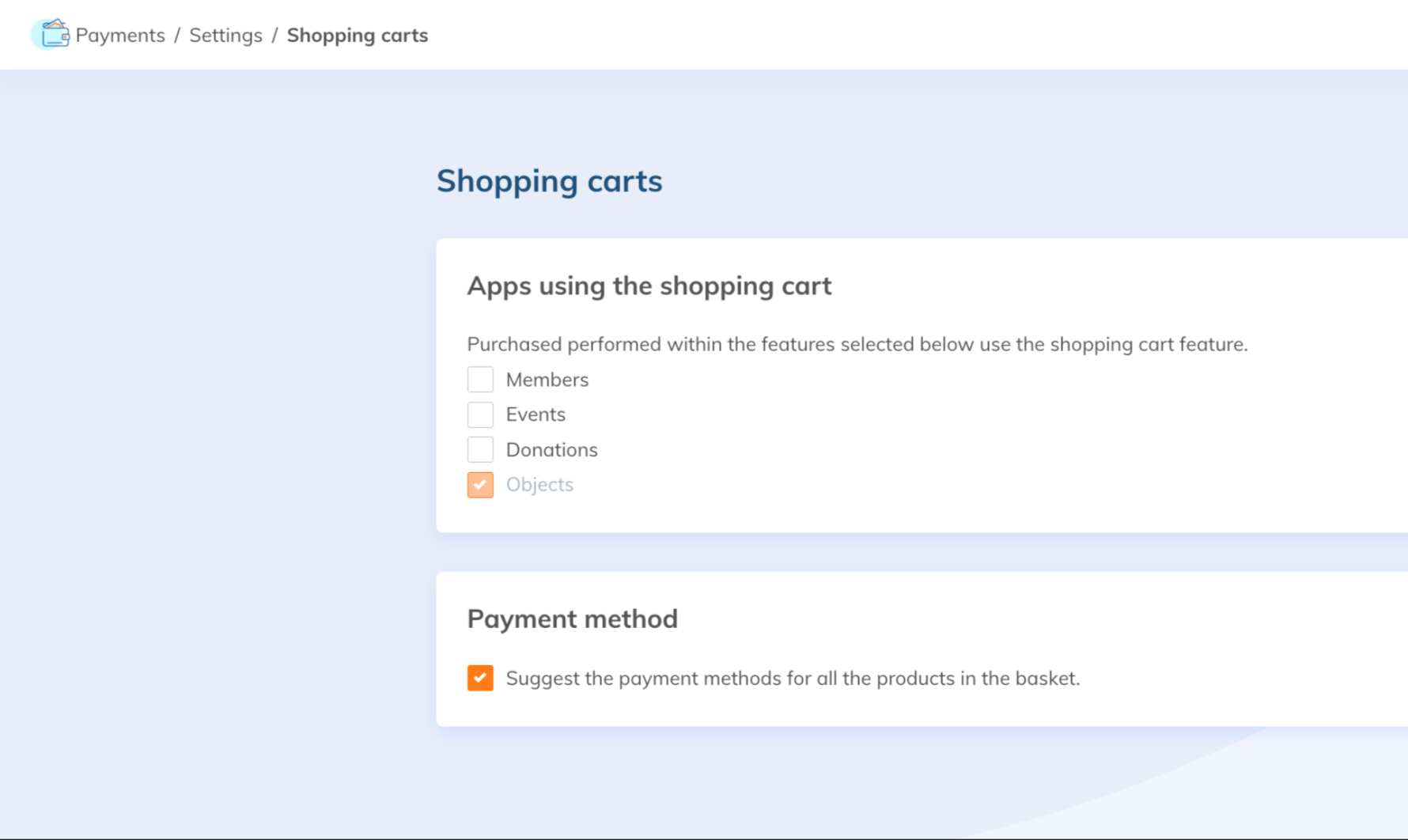
Go to Payments > Settings > Shopping Carts.
Check that the features you want to use it with (Members, Events, Donations, and Objects) are selected. Then click Save.
Sending a payment link
Once the cart is created, you can send a payment link. In Accounting, send the payment link to the relevant person by clicking on the wheel icon.
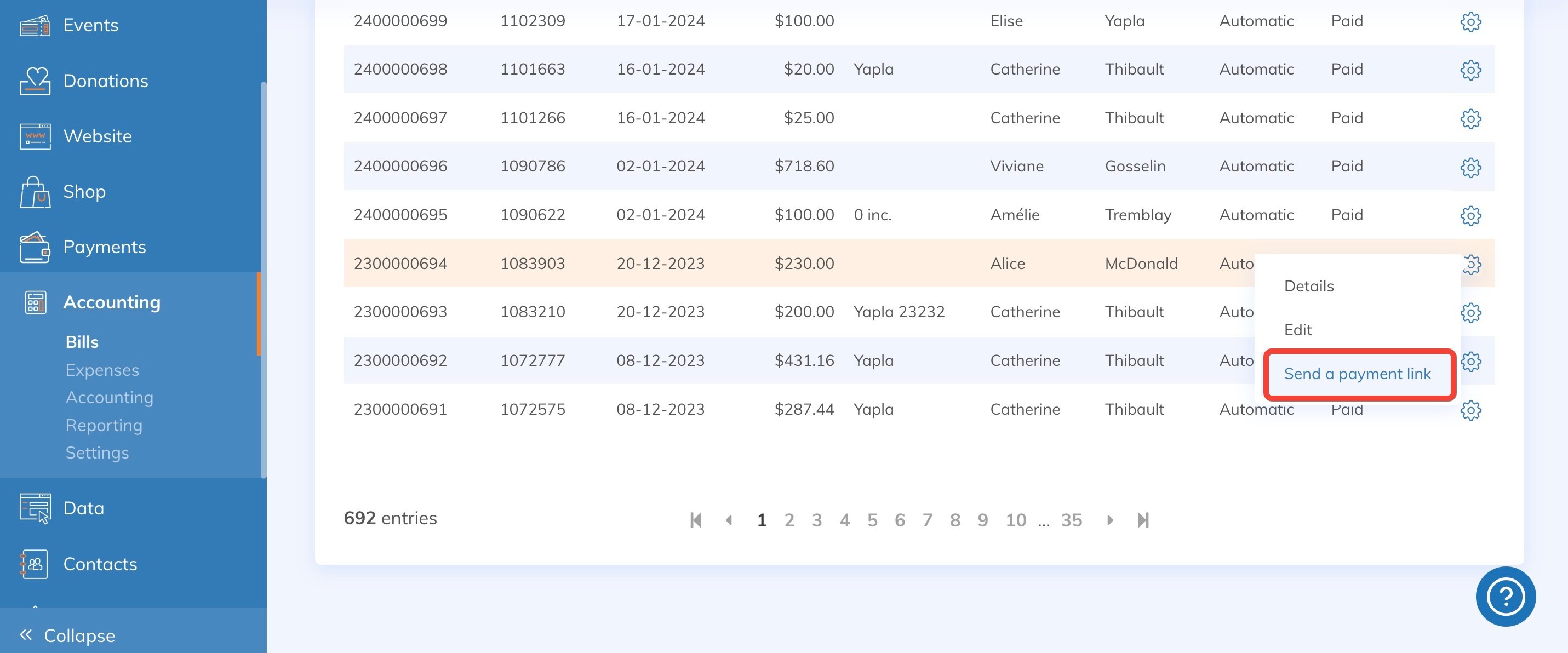
A payment link will then be sent to the recipient. It is also possible to add other recipients, such as administrators.
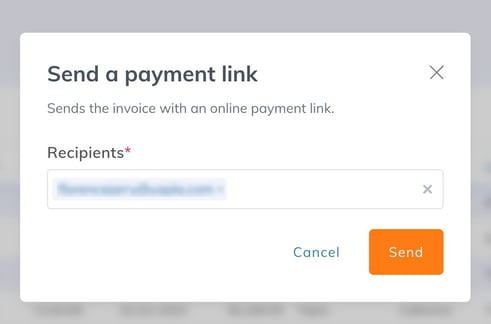
A confirmation will appear once the send is complete, and recipients will receive an email containing a link to the unique (monopage) payment page where they can complete the payment.