
When members of your community make a donation, they can obtain a tax receipt. This document allows them to claim a tax exemption on the amount donated. The receipt is generated from a template and the information entered by the donor. This article covers the information to enter to generate your tax receipts and how to customize templates.
Customize your tax receipt information
Go to Donations > Settings > Settings.
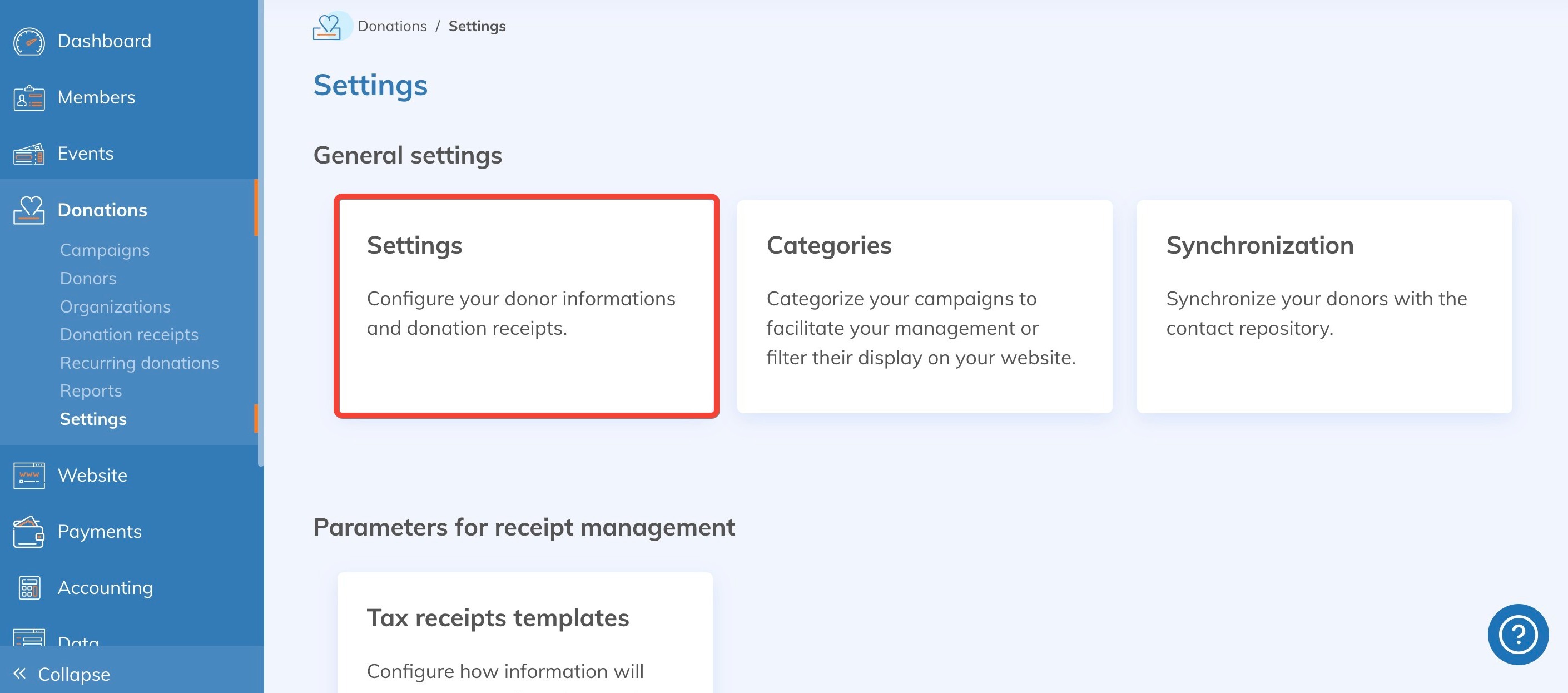
The information to edit is grouped in three blocks.
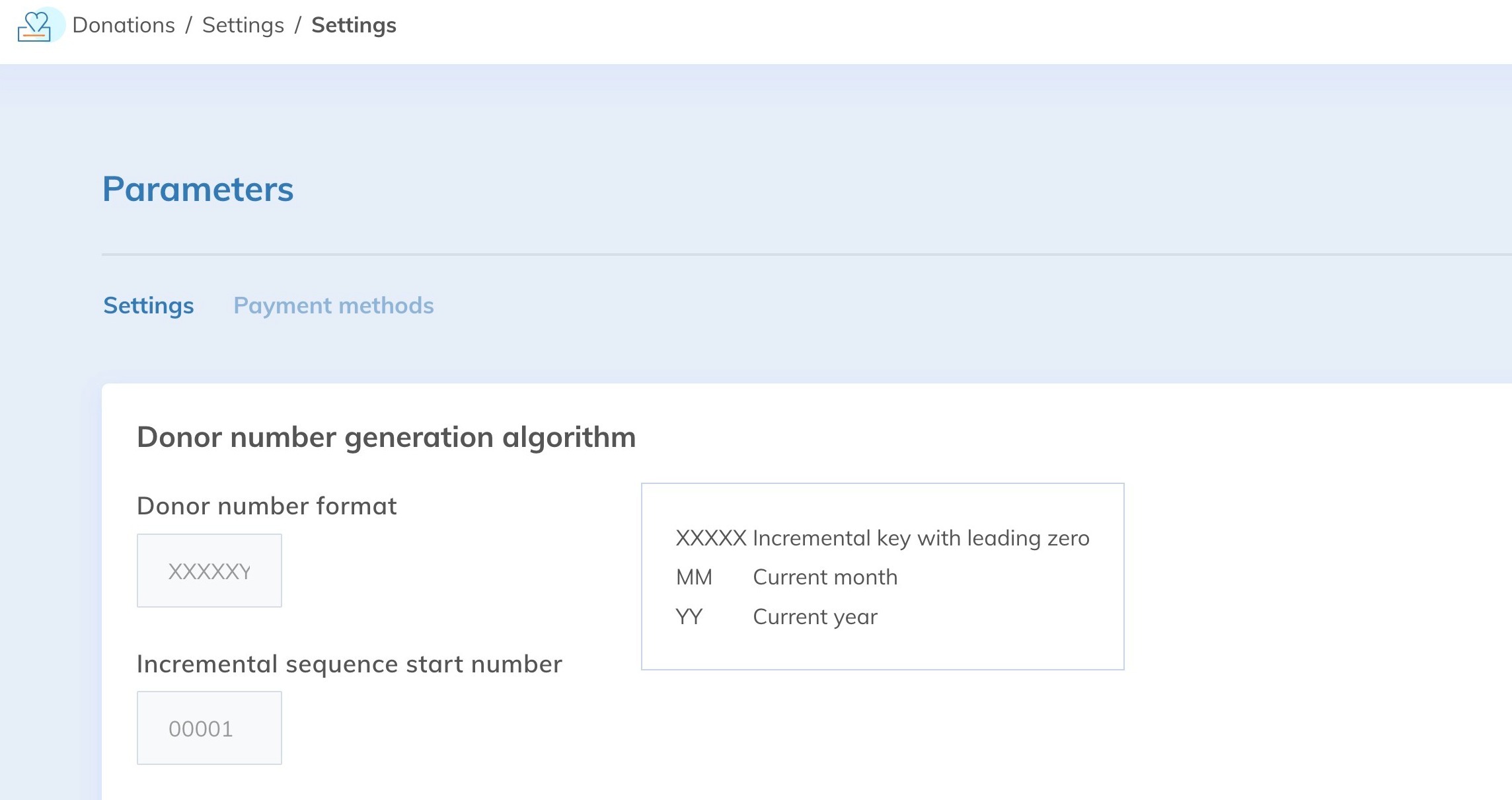
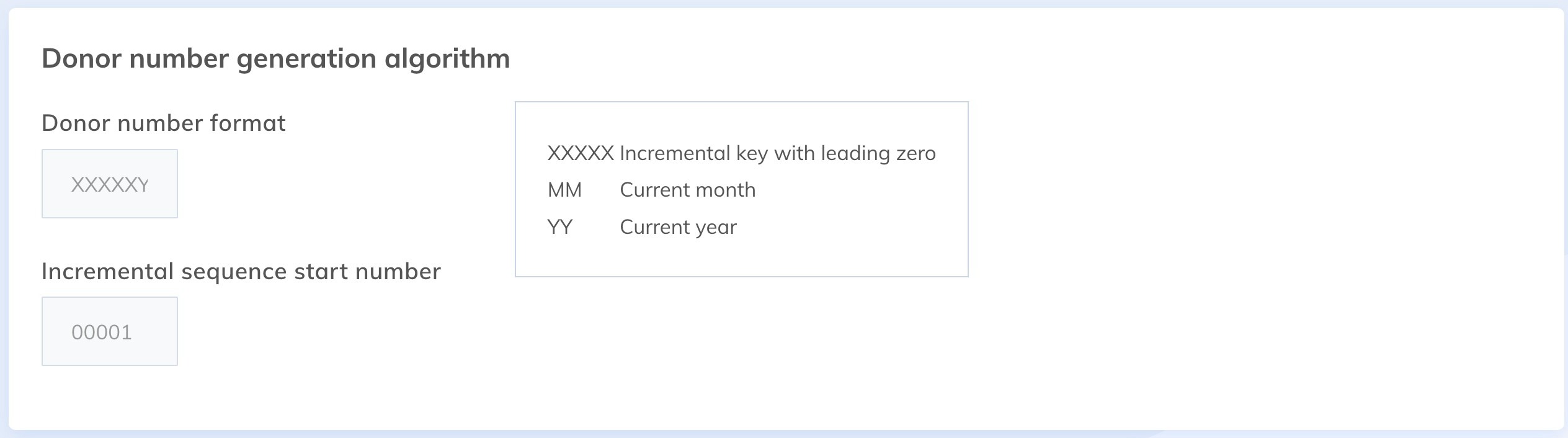
Donor number generation algorithm
This section customizes the number of the first receipt generated for your campaign. Sequential numbering specific to each campaign avoids duplicates.
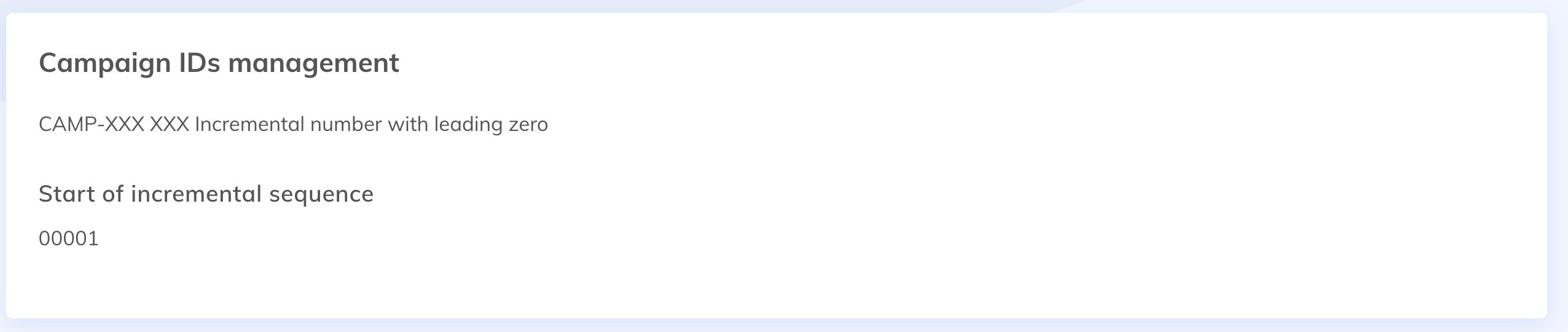
Campaign ID management
This section shows, by campaign, the identifiers displayed on your receipts. It reflects the changes made in the Donor number generation algorithm section.
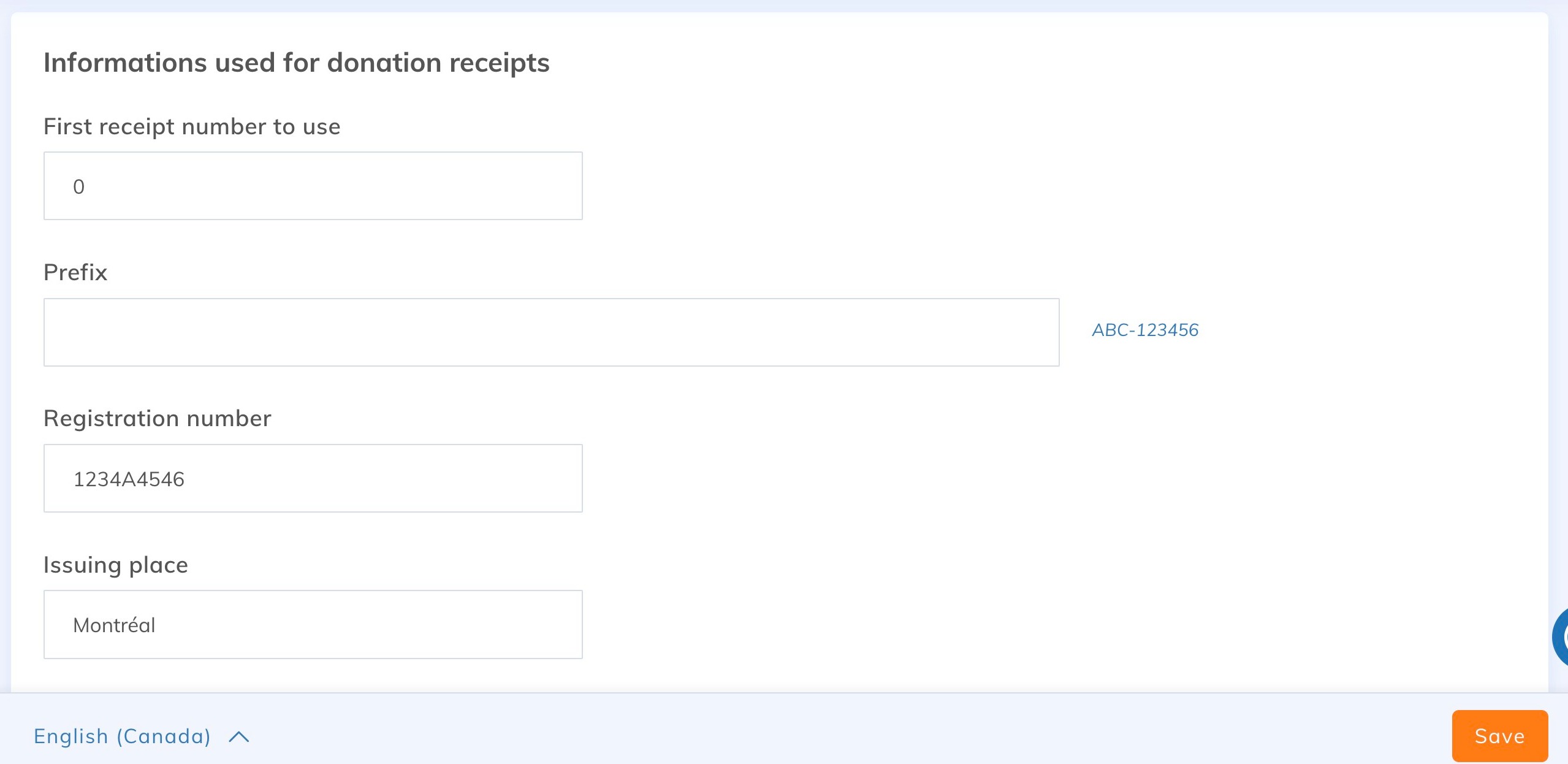
Information used for tax receipts
Complete this section carefully: this information forms the body of the tax receipts issued to your donors. The signature at the bottom of the receipt must be that of the person designated for this purpose in your organization, for example the president of the association.
Modify the tax receipt template
Available starting from the Essentials plan.
Edit the default tax receipt template or create a new one under Donations > Settings > Tax receipts templates, in the Settings for managing receipts section.
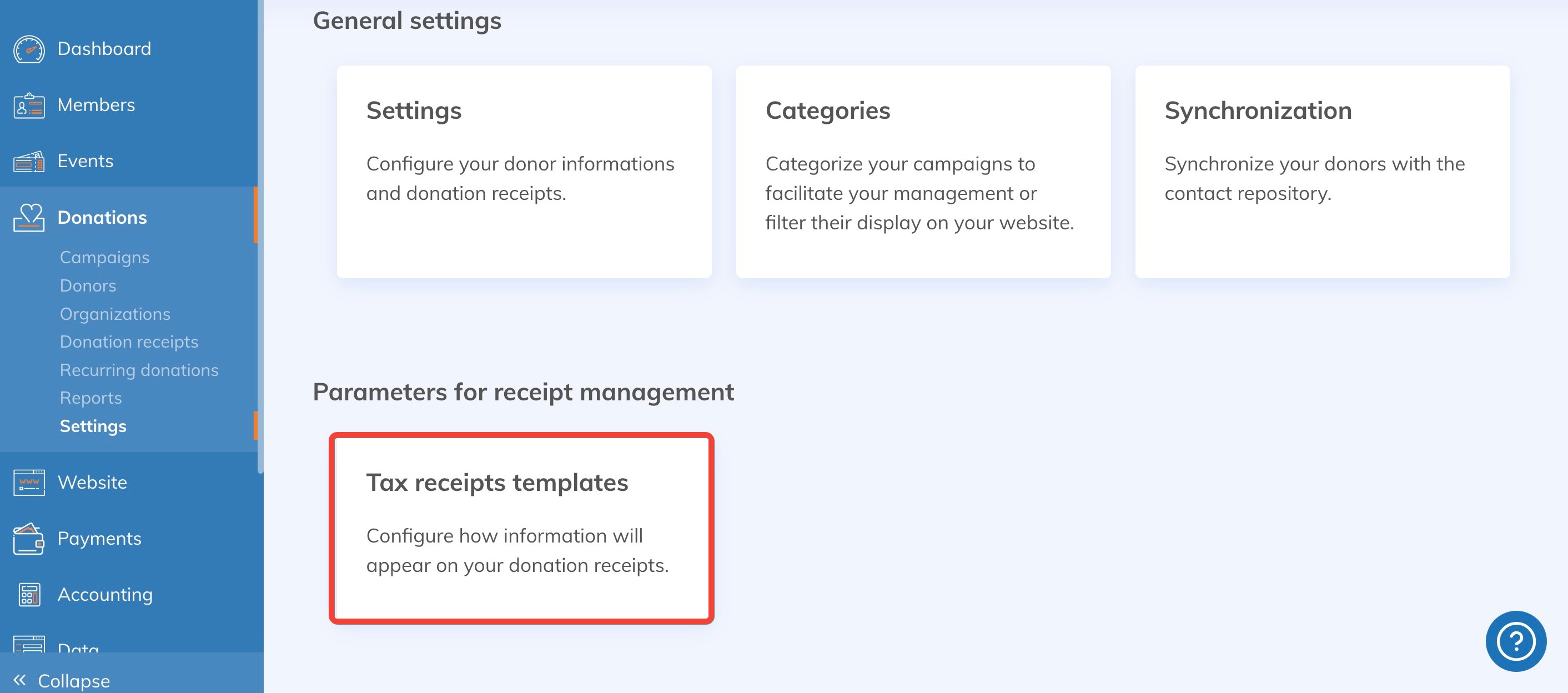
You can then edit the template information, personalize it and add custom notes. Two separate templates exist: one for individual donations, the other for donations made on behalf of a business. To create a new template, click Add Tax Receipt Template.
A new template only applies once it is associated with a campaign, and only to receipts generated afterwards. Receipts already issued keep their original template. See Change the receipt template of a campaign.
Go further: automate the sending of tax receipts
Save time by sending your tax receipts automatically as soon as a donation is made: an ideal option for one-time donors. For your regular donors, send a consolidated receipt once a year instead. See the guide Automate donation receipts.