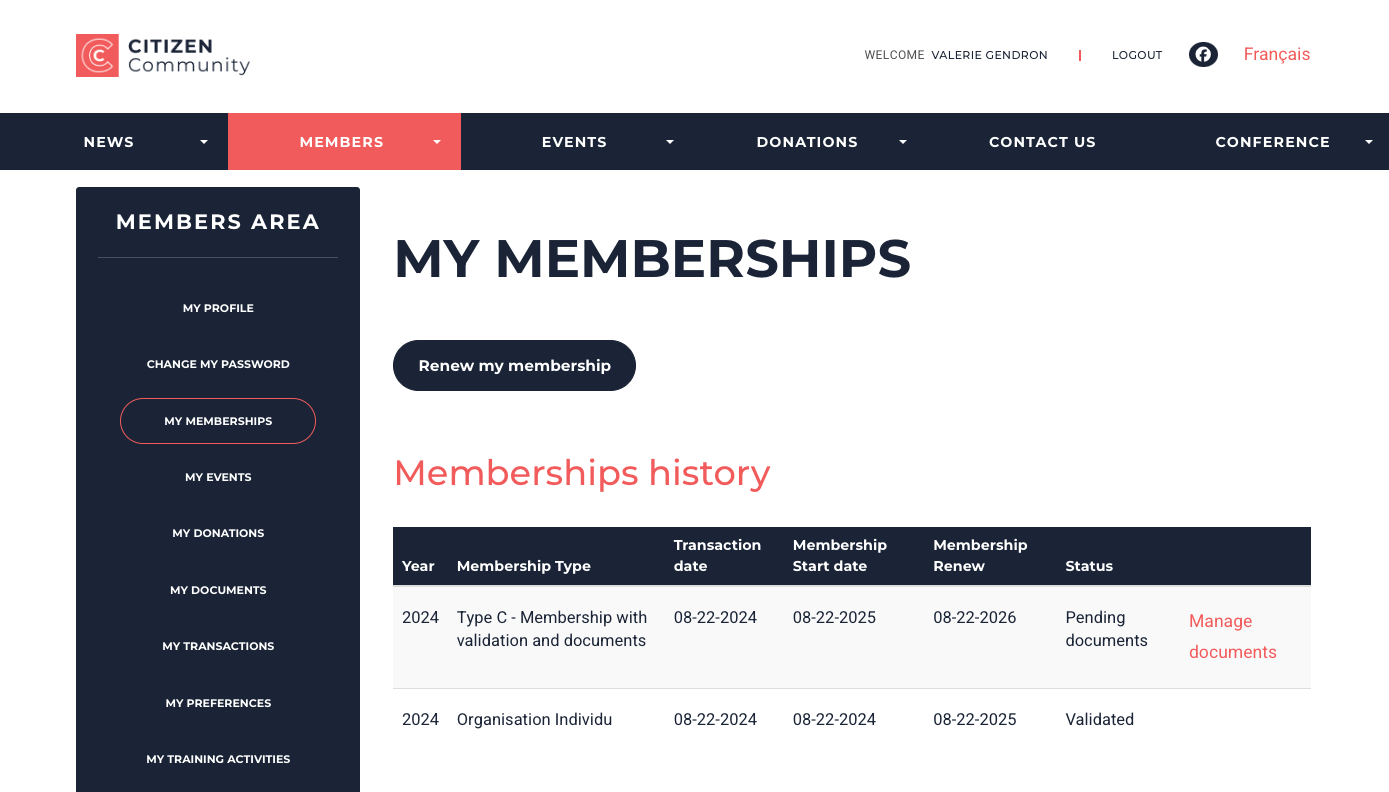
The Member Area module of the website functionality is used for both membership purchases and your members area on your Yapla site. There are two possible display modes for all of these pages, including a new, revised and improved design.
Note that the new design will be enabled by default for new configurations. It offers a cleaner perspective of the elements listed and is suitable for mobile phones. If the old display mode is still active on your pages, here's how to activate the new design.
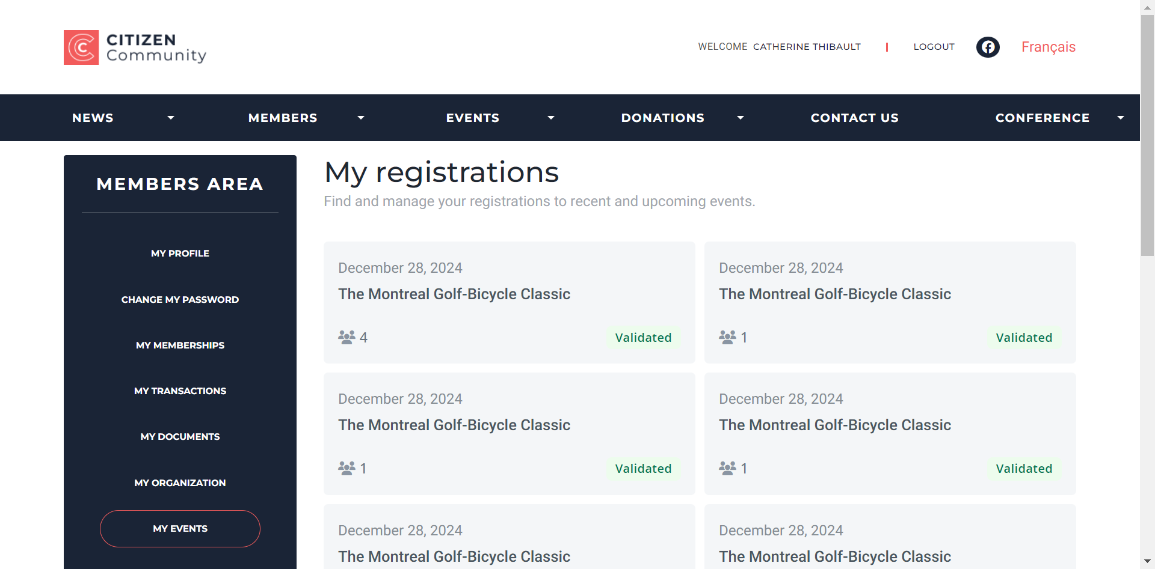
New design applied in the members area on the My registration page.
Configuring Members Area pages
In the Website function, select your website and the page containing the Members Area module. Then click on the area containing the Members Area module to access the settings.
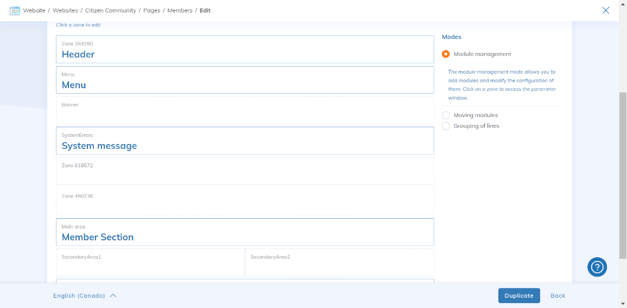
Now you can choose the (Modern) display mode. It will apply for the My Events, My Memberships and My Organization pages under Module Configuration > Graphic Interface > Display.
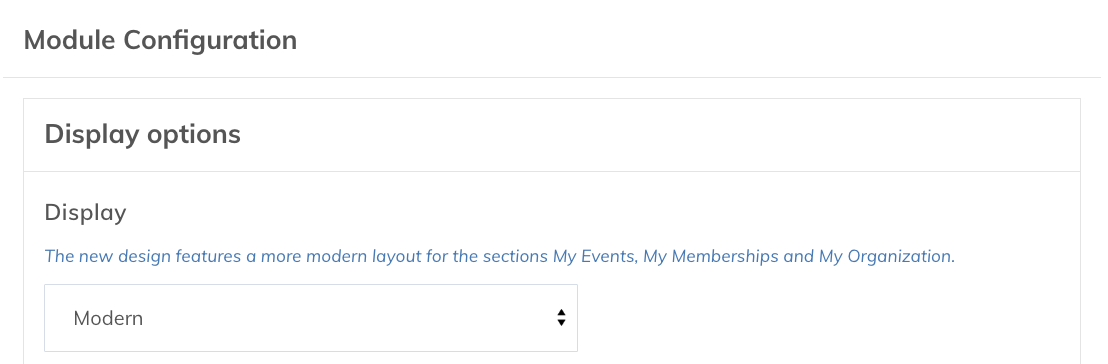
Choose the new or old design
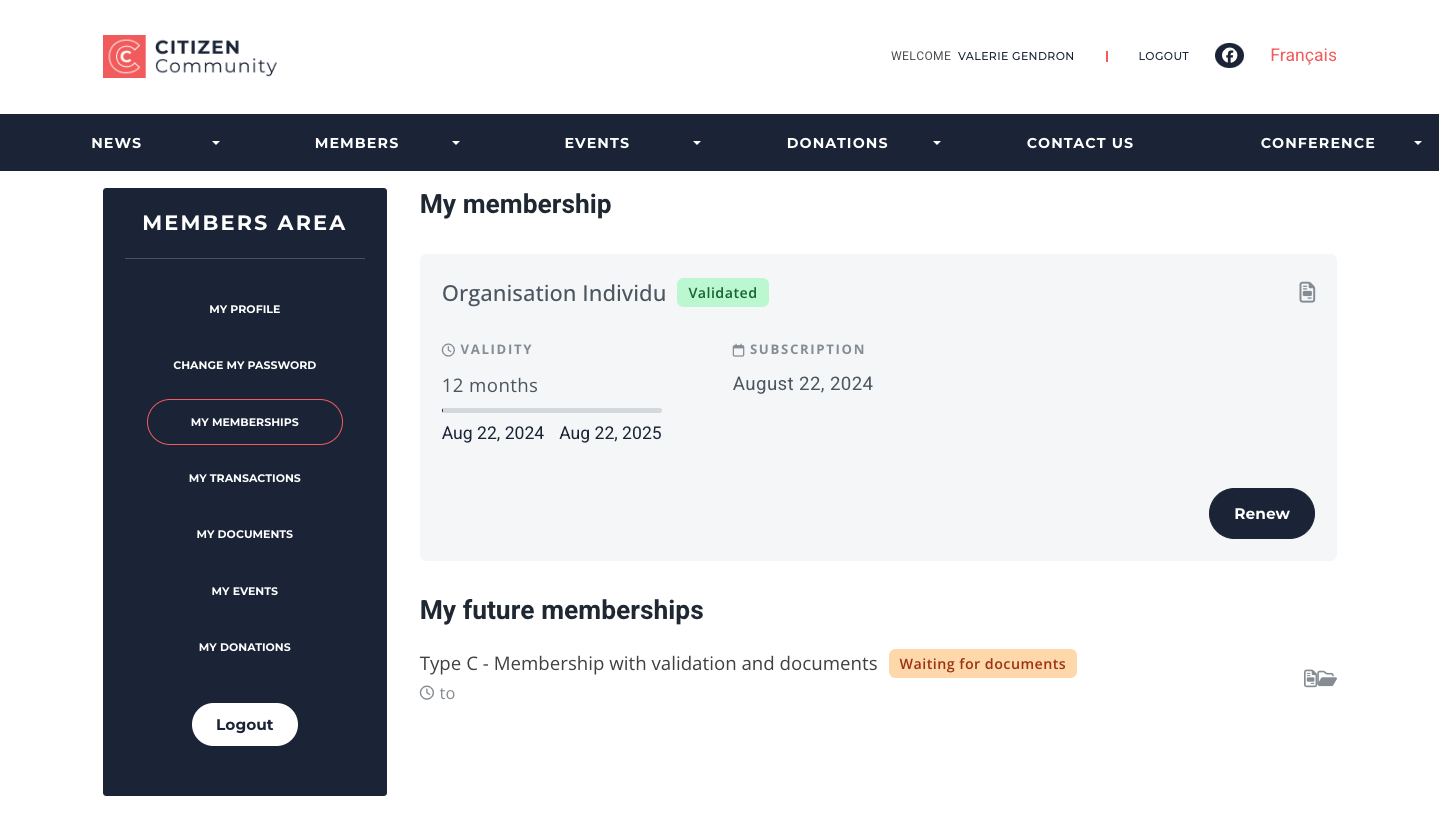
Here is an overview of the two display modes on the My Memberships page of the Members Area.
New design:
Old design: