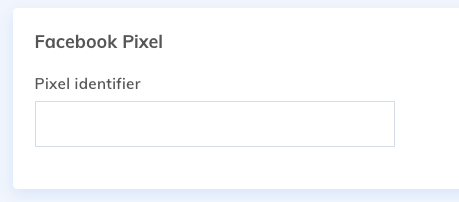
If you run an advertising campaign with Facebook, they will ask you to add a tracking code to your site, in order to know the success of your campaign. This code, often called the Facebook Pixel, can easily be added to your Yapla site.
When you create your campaign in Facebook, you will receive instructions on how to implement the tracking code. You will only need the id, which is a 15-digit code.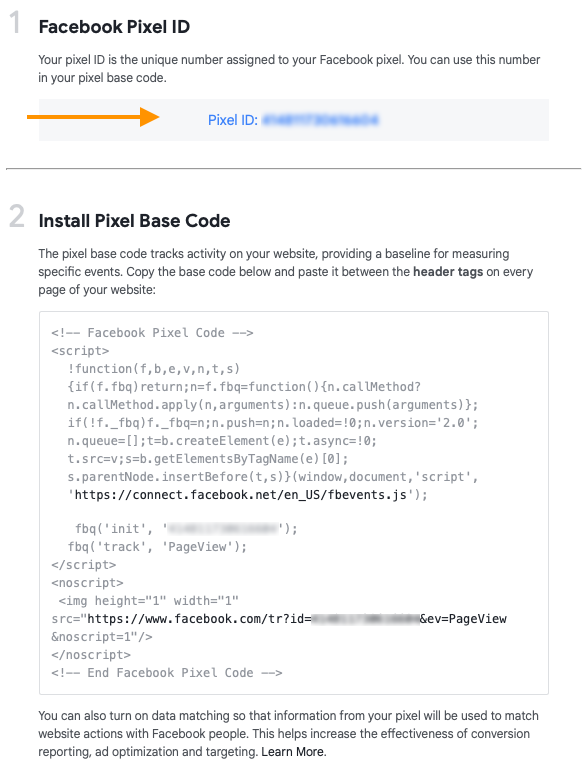
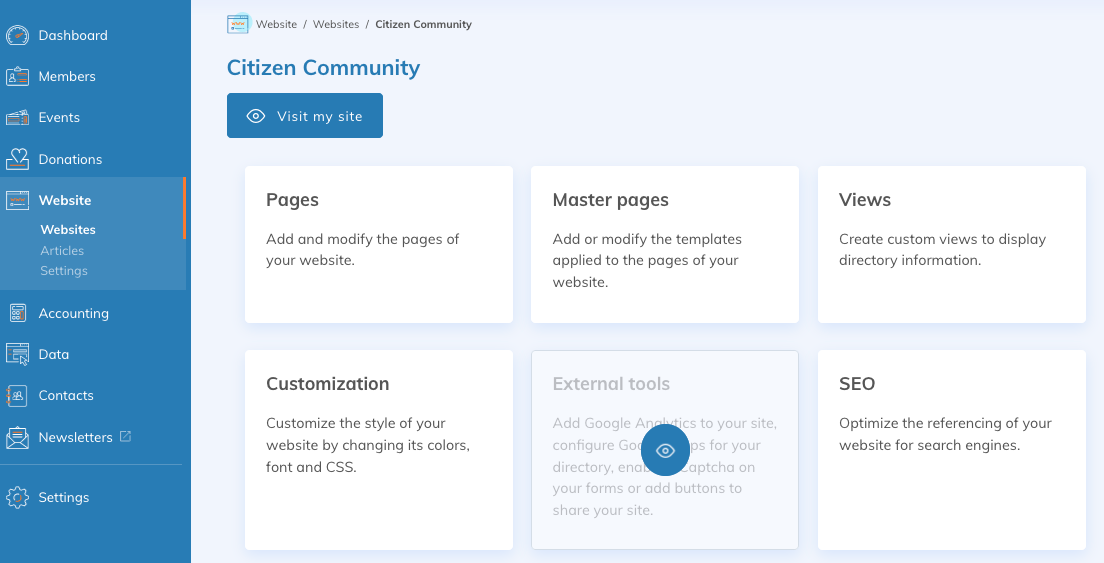
Once your id is retrieved, open your website in Yapla and click on the External Tools tile.
At the bottom of this page, you can add the pixel ID.