
When entering a bill/receipt, be sure to fill in all required fields (with a star).
Also, in the Amounts details section, be sure to enter a description and an amount with a decimal point. Then check that you've clicked the "add" button next to the amount to add the corresponding line.
Here is an example of the result:
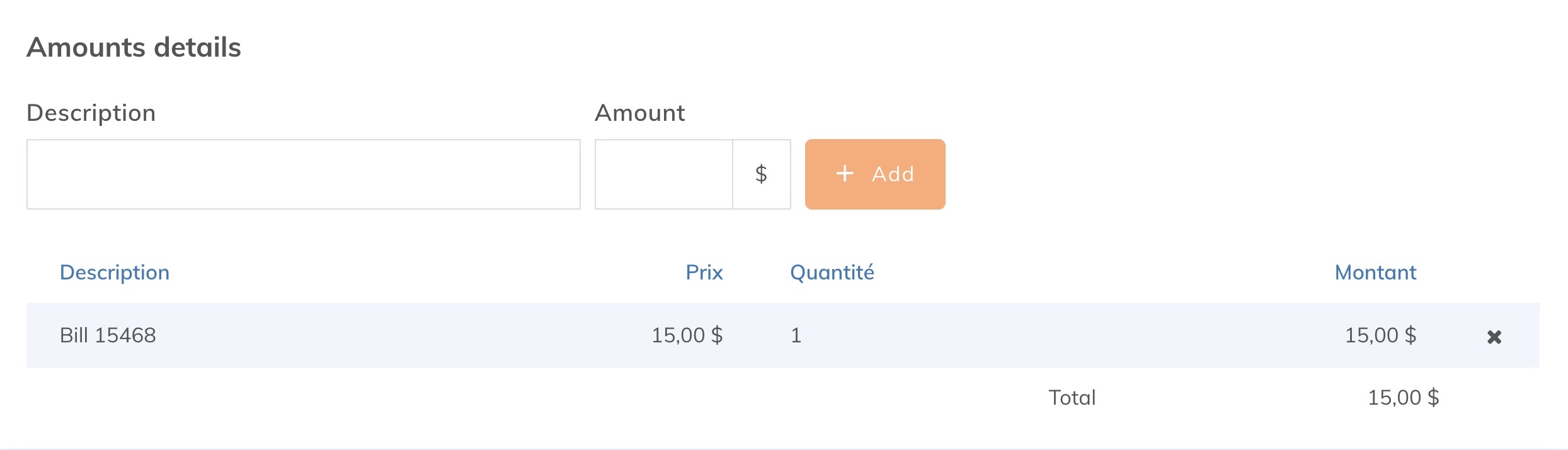
If needed, you can add other lines to your bill by inserting another description and amount.