
To be able to use the check payment method, you'll first need to set it up in Payment methods.
See this article for more details: Setting payment methods.
Once set, the "check" option will be available for your payments.
To register a payment by cheque on Yapla, go to the Accounting feature:
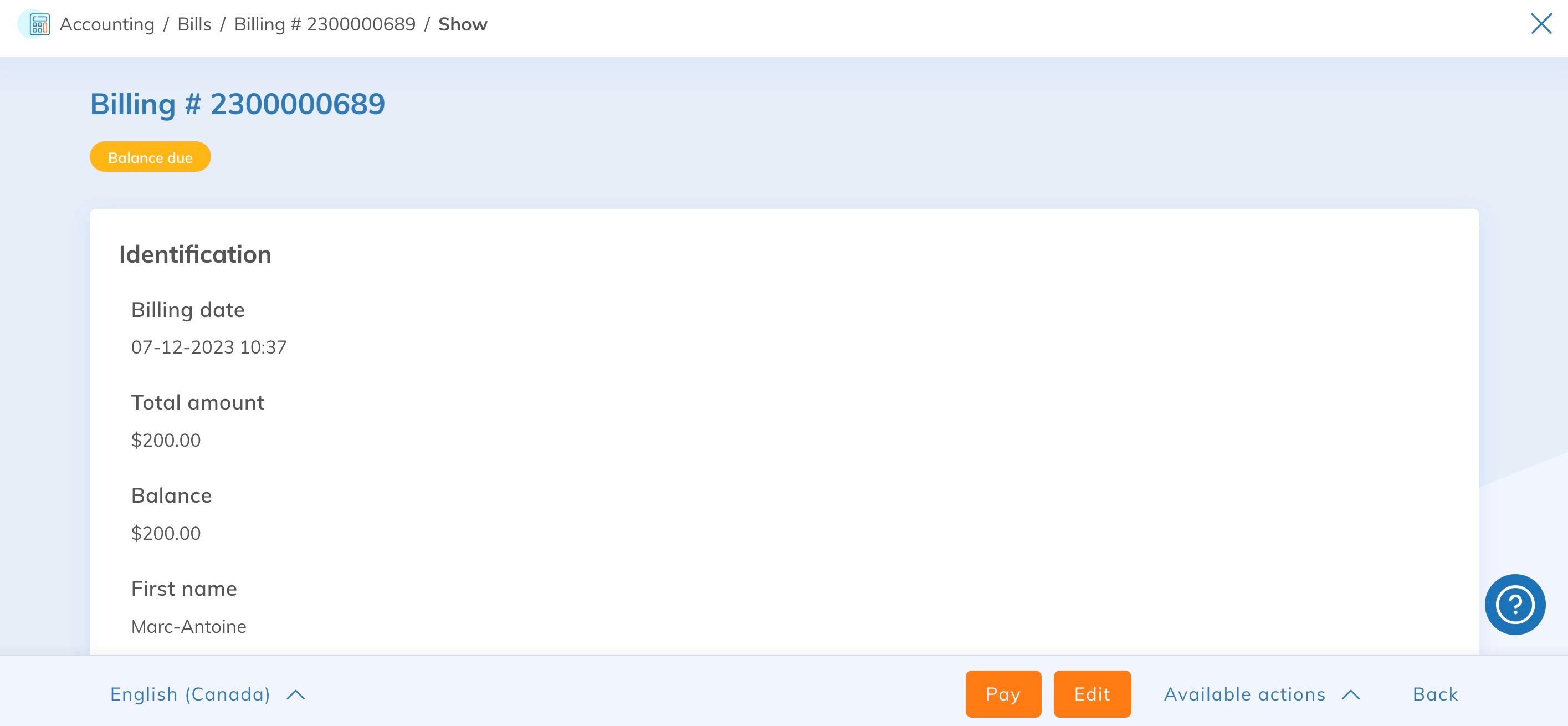
- Accounting Feature > Find a Bill > Click on the bill > then on the "Pay" button at the bottom.
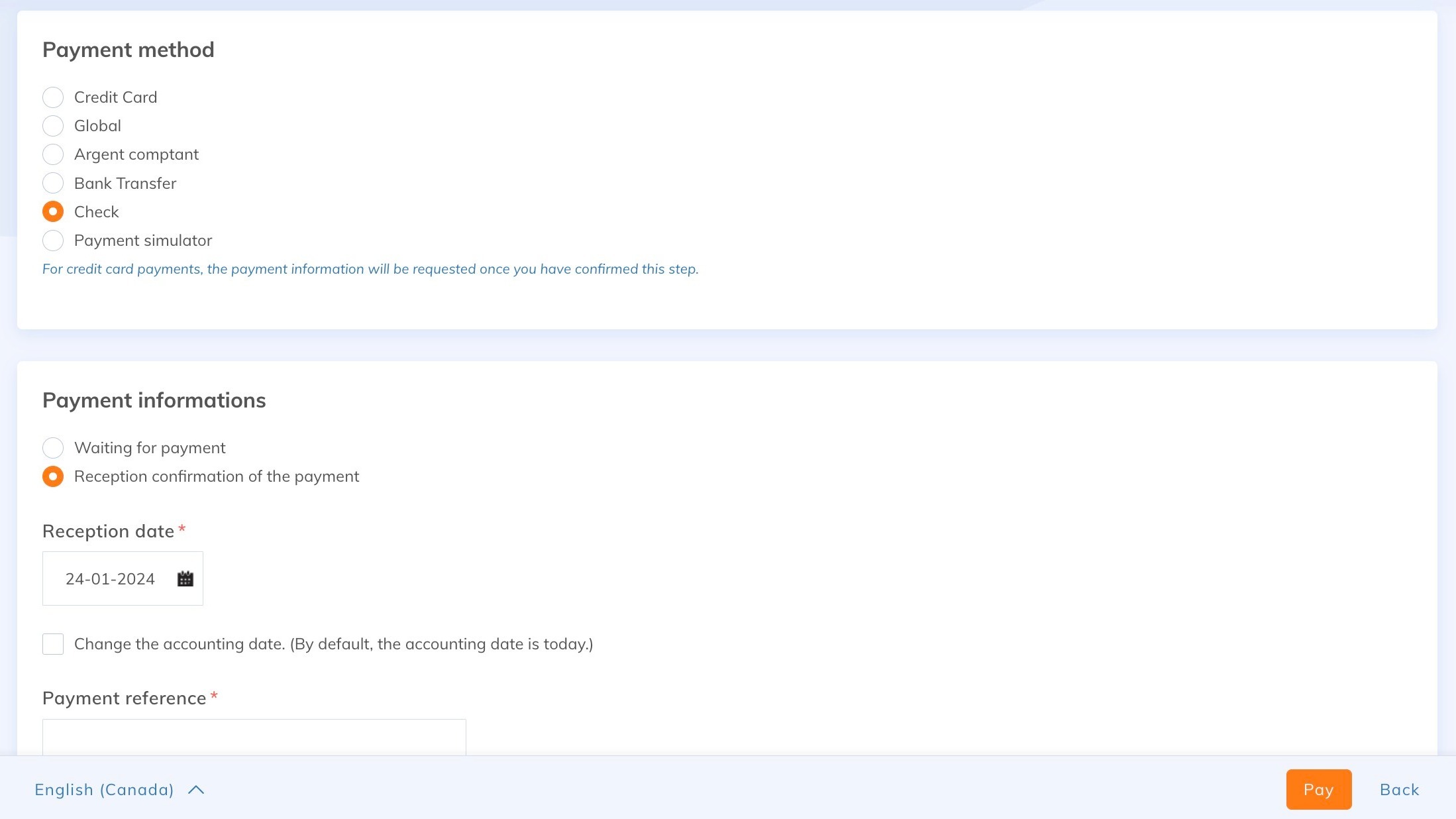
Then choose the payment method check, enter the date of receipt and the check number.
You can also set a different date for the accounting entry if required, or add a note.
Click on the "Confirm receipt" button at the bottom.
The Bill will change to "Paid" status and the membership, registration or donation will be validated. A communication will be sent automatically with the paid bill (if enabled in the feature in question.
Good to know:
- You can use the check payment method for Interac payouts or bank transfers, by entering your preferred reference instead of the check number.
- You can also register the payment by going directly to the Membership, Registration or Donation page and clicking on the Proceed to payment button.
