
The Data application allows you to create a custom database for your NPO. This database will contain items. You may want to remove an item from your database and Yapla does offer this option.
Before going any further, make sure you have configured your database properly.
Deleting an item
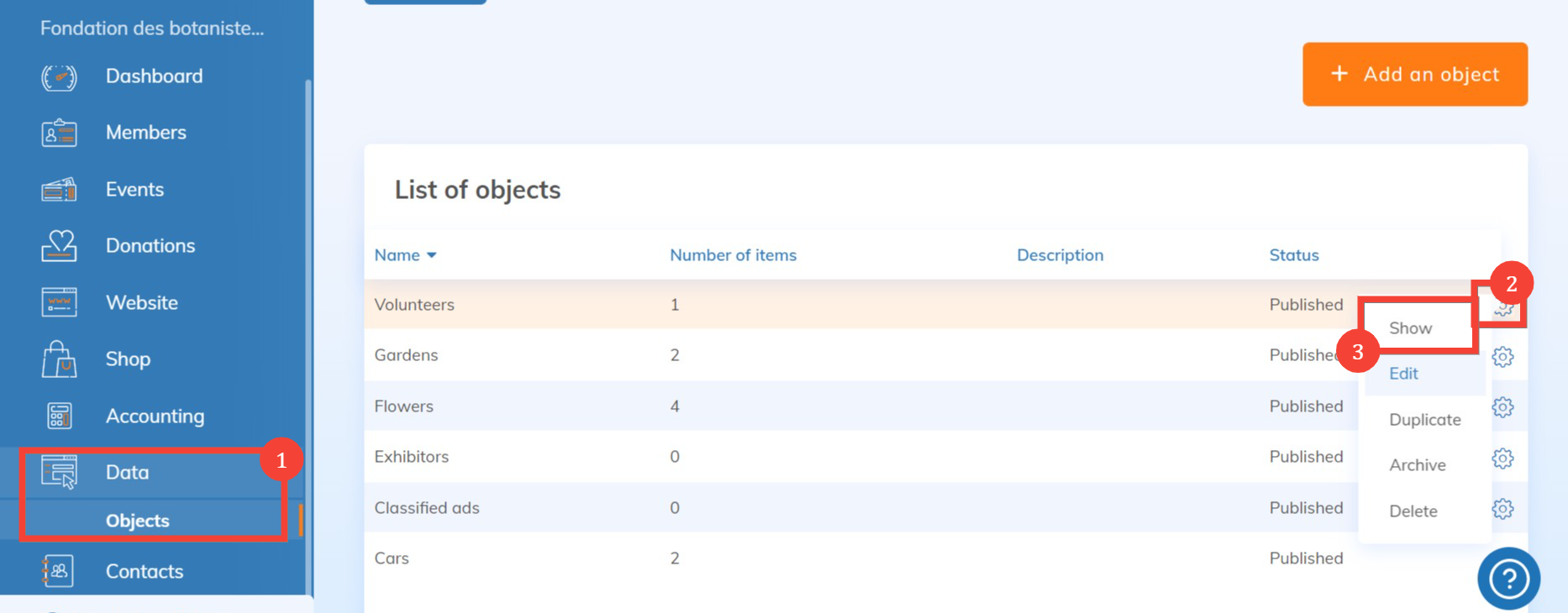
To delete an item, you must first go to the list of objects by selecting the Data application in the left-hand menu.
Here, we are going to delete an element of the object by selecting the concerned line, or by clicking on the gear wheel  > Show :
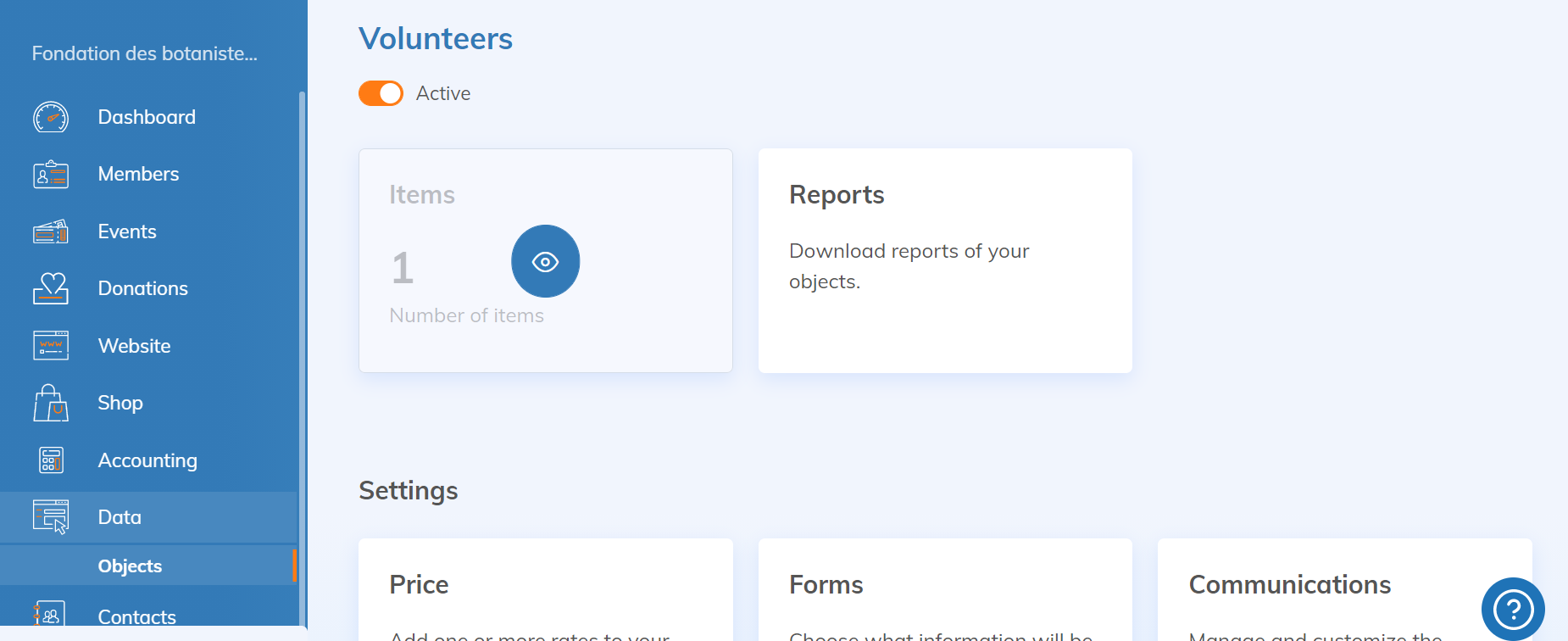
Then go to the list of items:
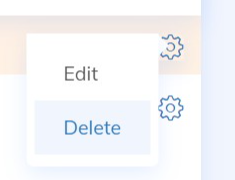
Then select one of the elements by clicking on the gear wheel > Delete:
Warning: Removing an item related to a payment or to a workflow with review is not possible at this time in Yapla.