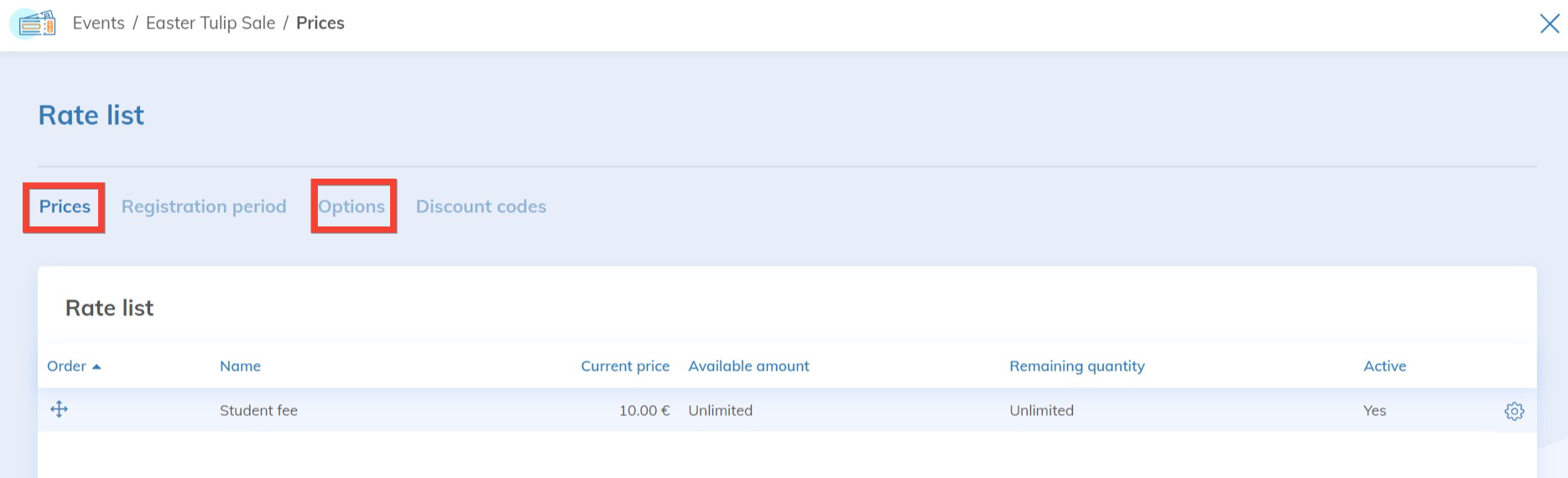
By default, Yapla does not apply any tax to your rates.
Once taxes are enabled in the "Accounting" application, you will need to add them each time you create a rate, across all relevant Yapla applications (Members and Events).
Members Application
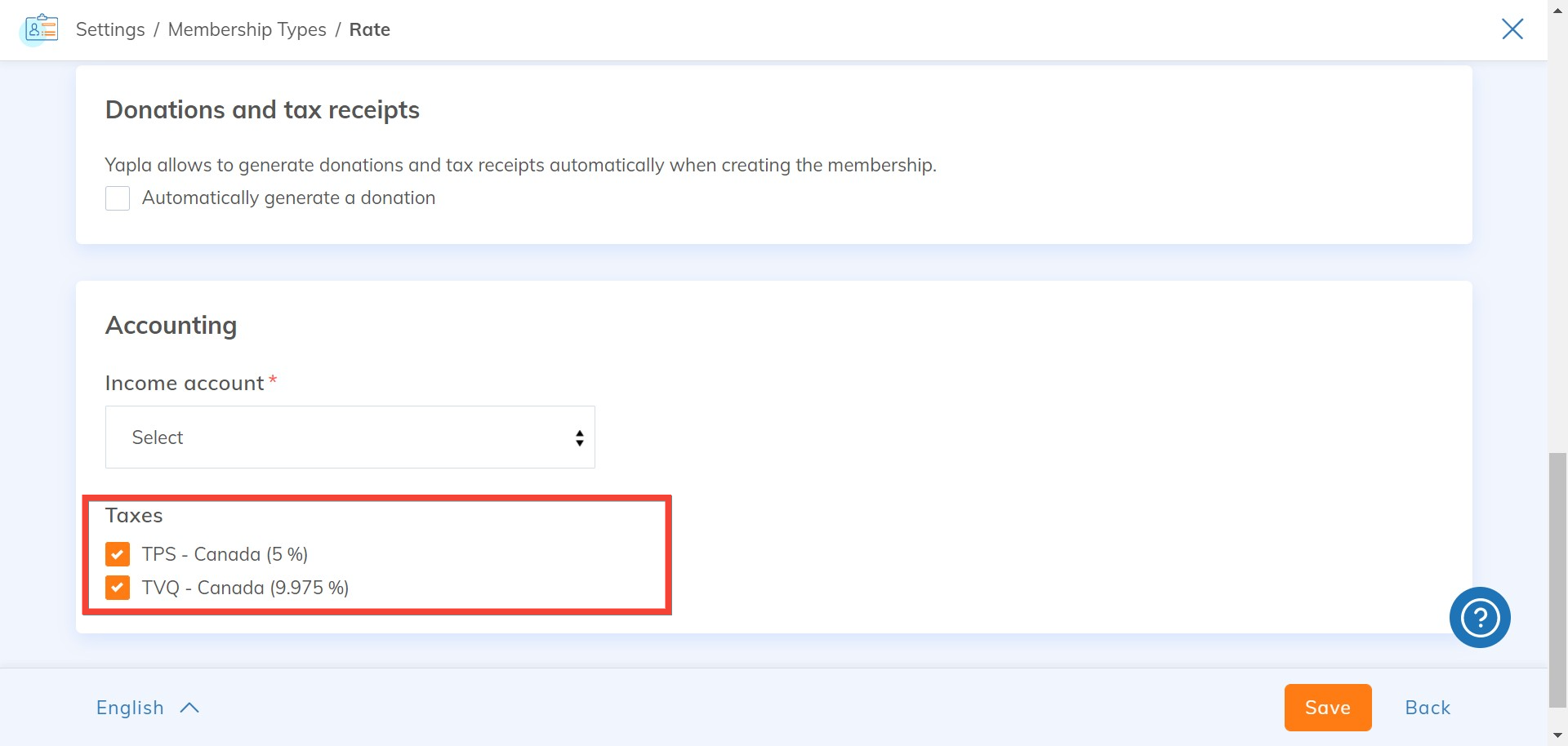
In Members > Settings > Memberships > Membership types > Rate tab, check the GST and QST boxes in the Accounting section so that the taxes are applied to your rate.
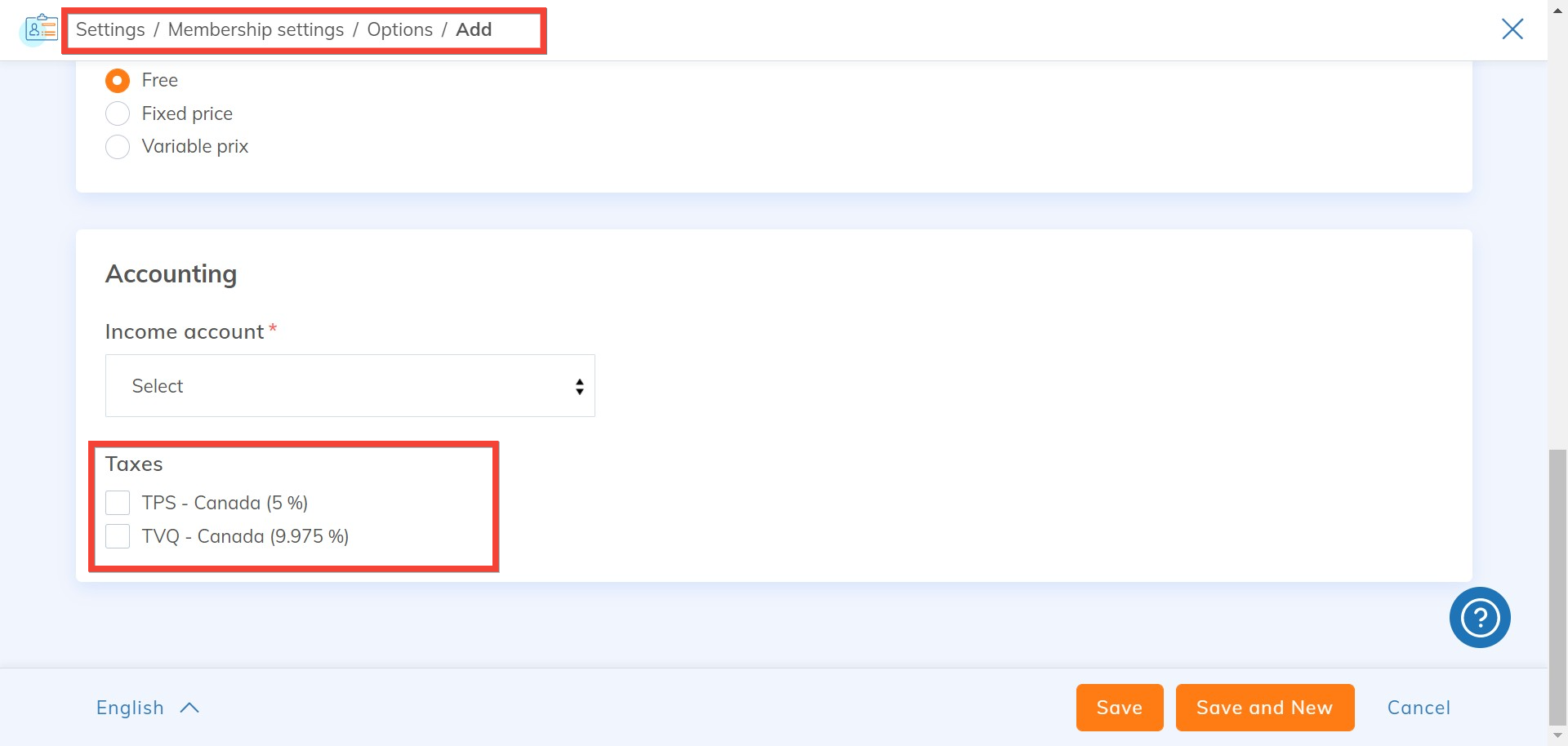
In the same way as for your rate, you can apply the taxes of your choice to each of your options.
Events Application
The creation of your events requires the addition of one or more rates.
In Events > your Event > Prices > Prices tab, check the GST and QST boxes in the Accounting section so that the taxes are properly applied to your rate.
Repeat the operation for all the rates you are creating.
If you propose options, proceed in the same way and add the applicable taxes for each option you create.