
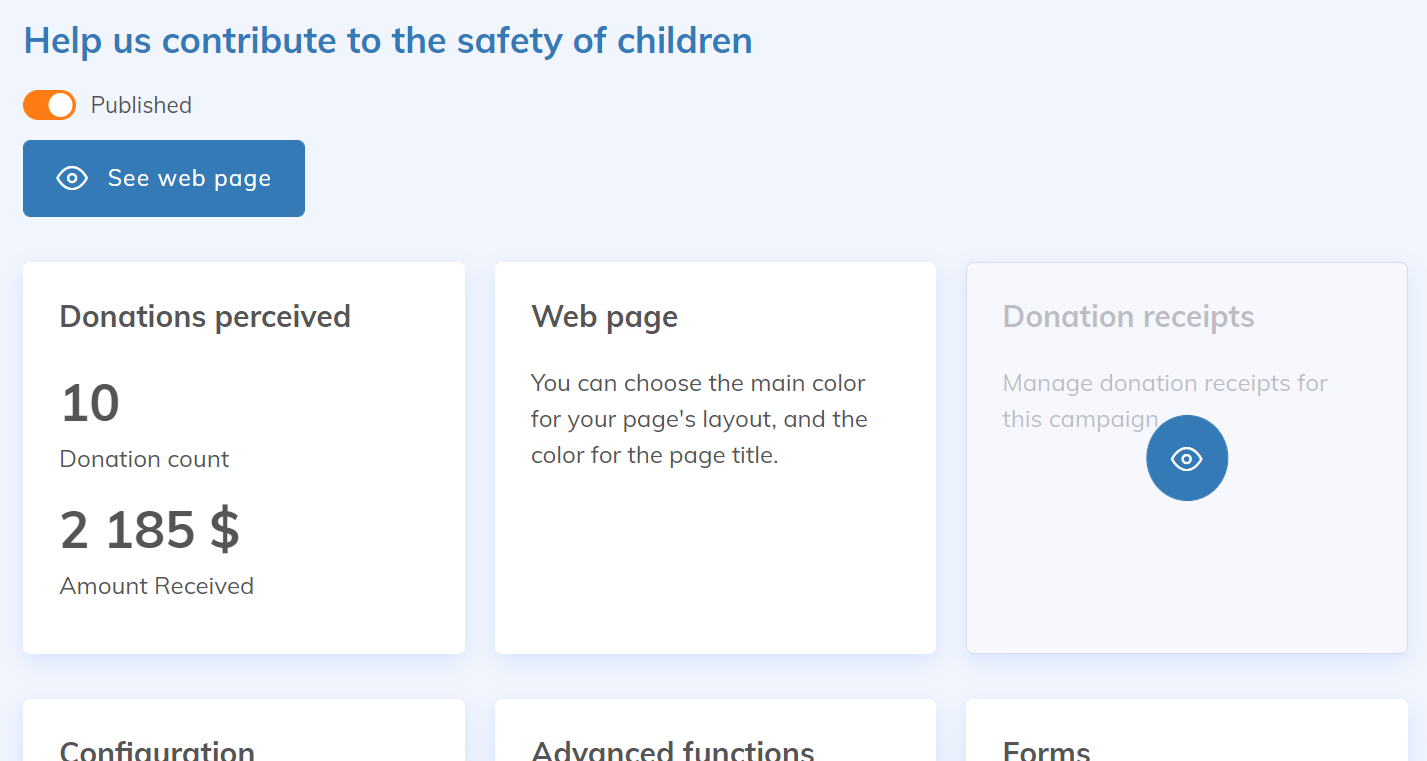
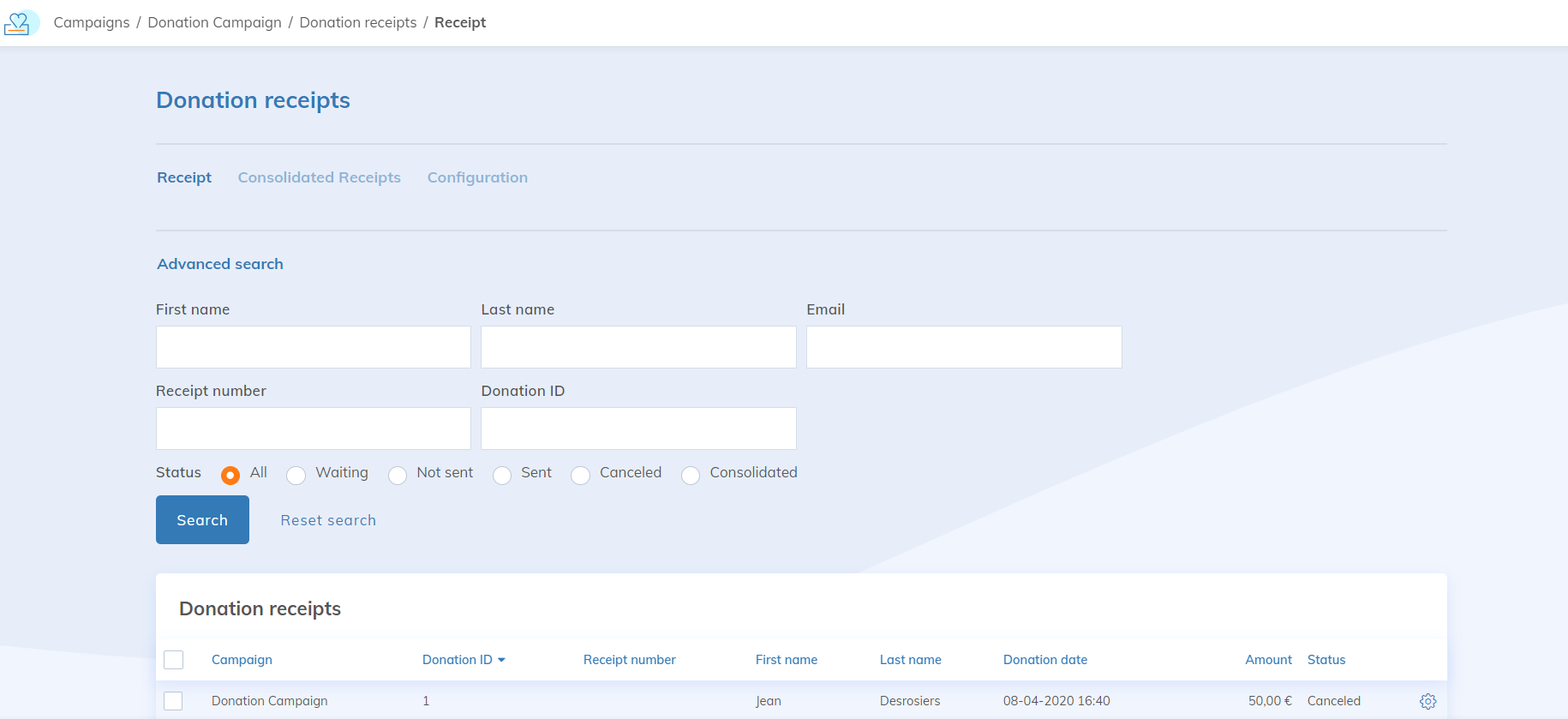
To view, export, or edit a tax receipt, go to Donations > Campaign > (your campaign) > Donation receipts. You'll then have access to all campaign donations that are eligible for tax receipts and can view each receipt individually and export a report or a complete folder containing all receipts.
Download a receipt
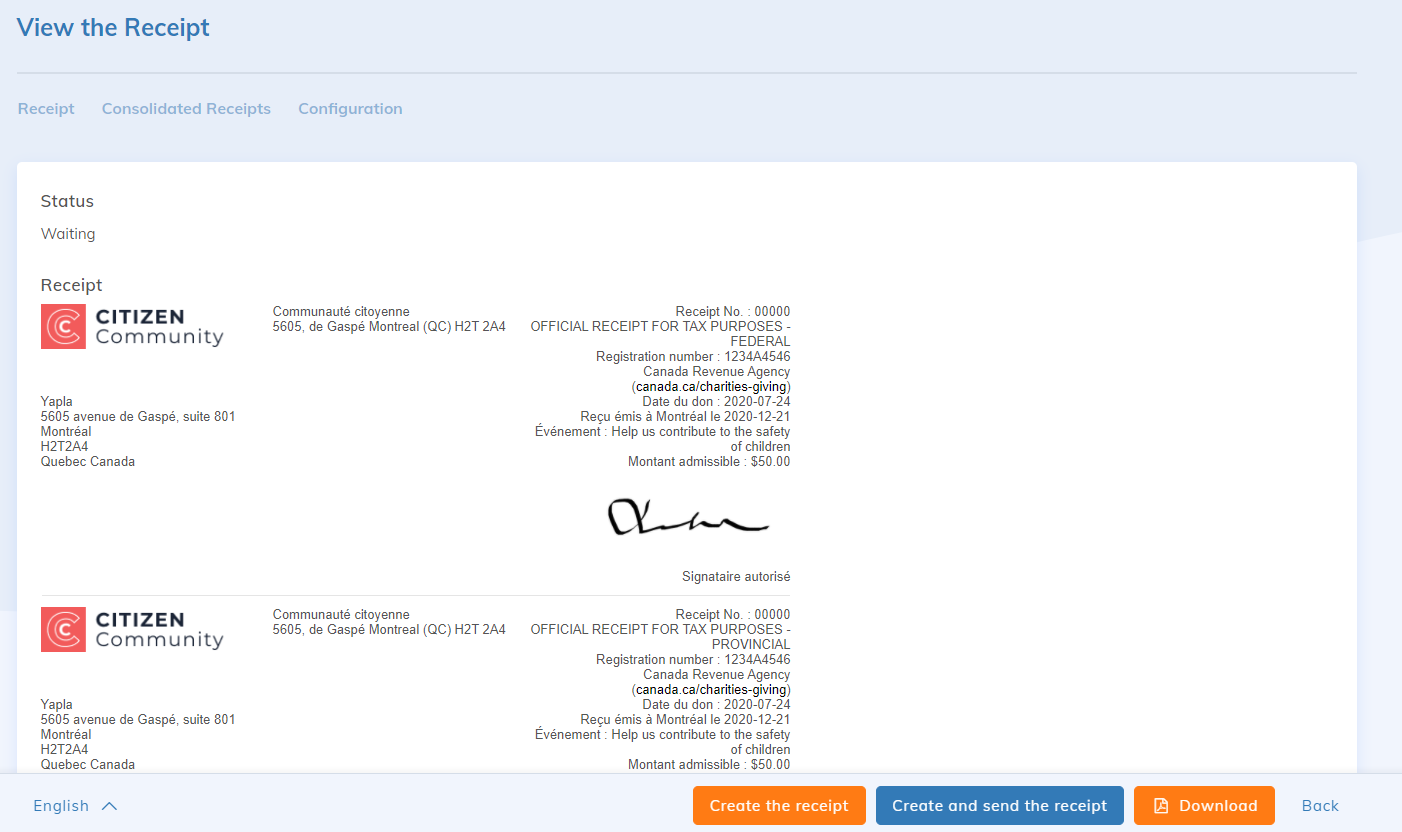
Click the cogwheel to the right of the desired donation to view the donation receipt. On this page, you can download the receipt in PDF format so you can make manual or individual donations.

On this visualization page, you now have the possibility of downloading the receipt in PDF format to be able to make manual or individual shipments.
Bulk receipt download
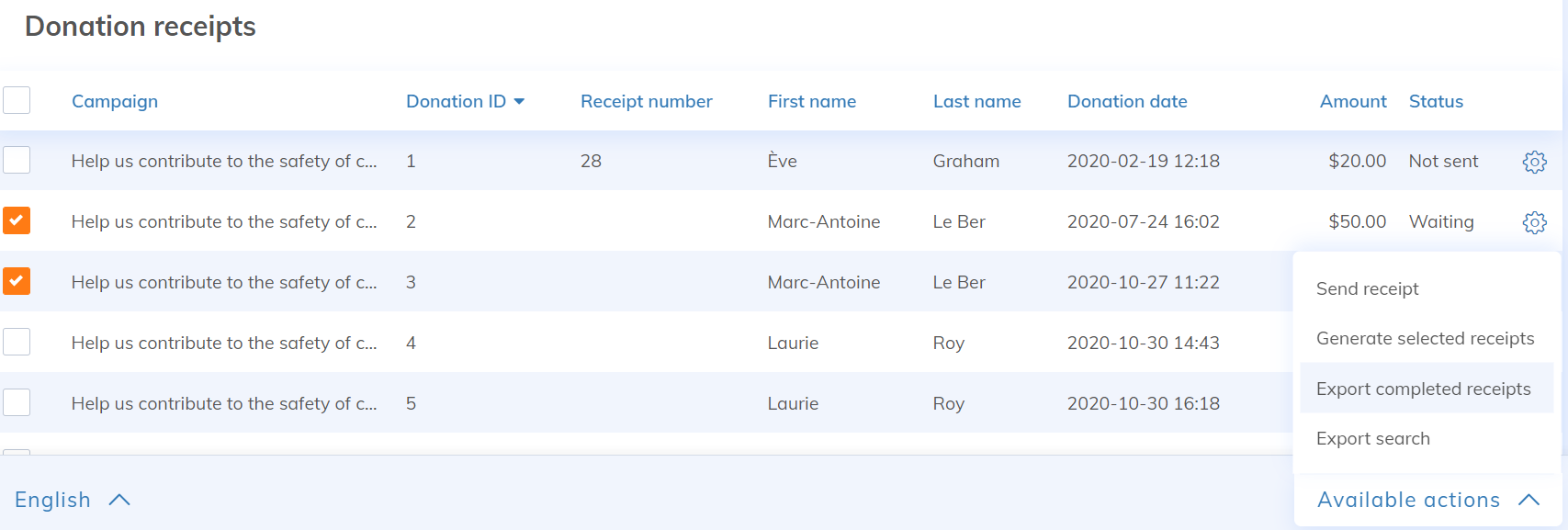
Go to the Donation receipts sub-tab and click Export completed receipts. A zip file containing only all issued tax receipts will be generated. Receipts awaiting generation will not be included in the generated zip file. Each tax receipt will have its own PDF file.
Since generating the zip file can take a long time, you can track the progress of your export in the Report tab. You will also receive an email once the export is complete and all files have been generated.