
When you set up an event, you can apply a cancellation fee. This means that when a participant cancels his registration, part of the ticket amount will still be retained.
Cancellation fees
To add the cancellation fee, it must be configured in the Prices menu. To find this section, go to the Events application, click on the event in question and select the "Prices" menu.
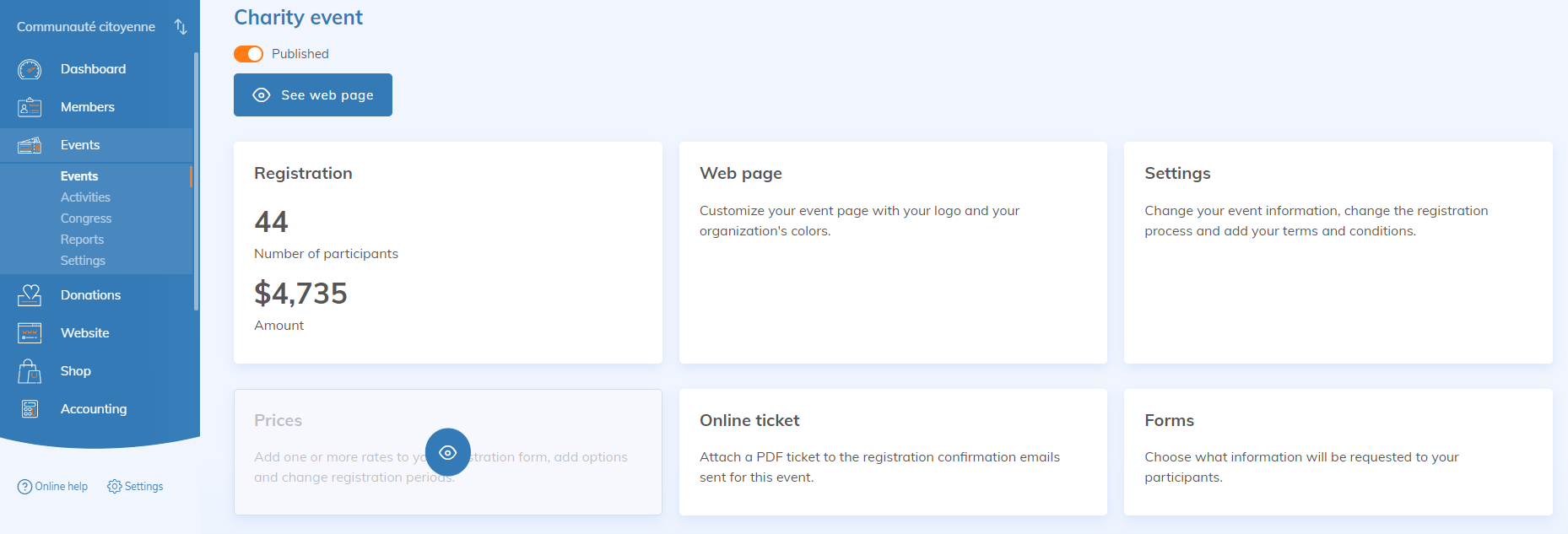
Click "Add a price" or edit an existing price by selecting it. Add a fee on the specific rate, by filling in the "Cancellation fee" section :
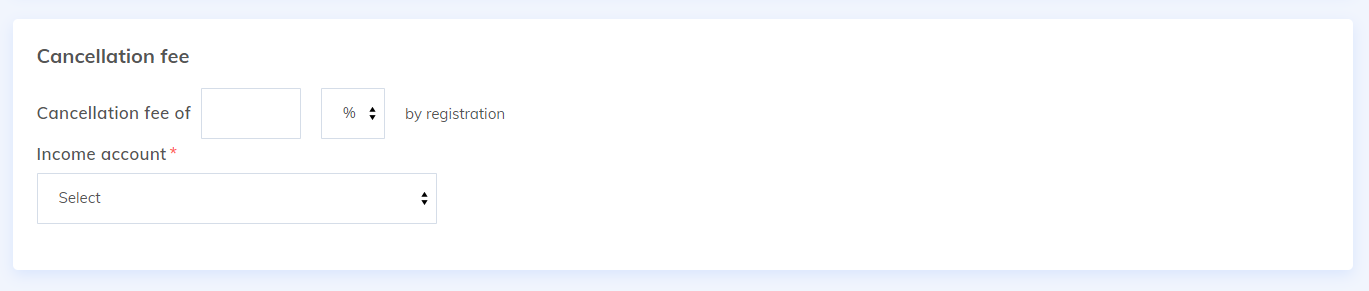
These fees can be calculated in monetary value or as a percentage and can be associated to an accounting item and an accounting project. These fees may also be subject to taxes.
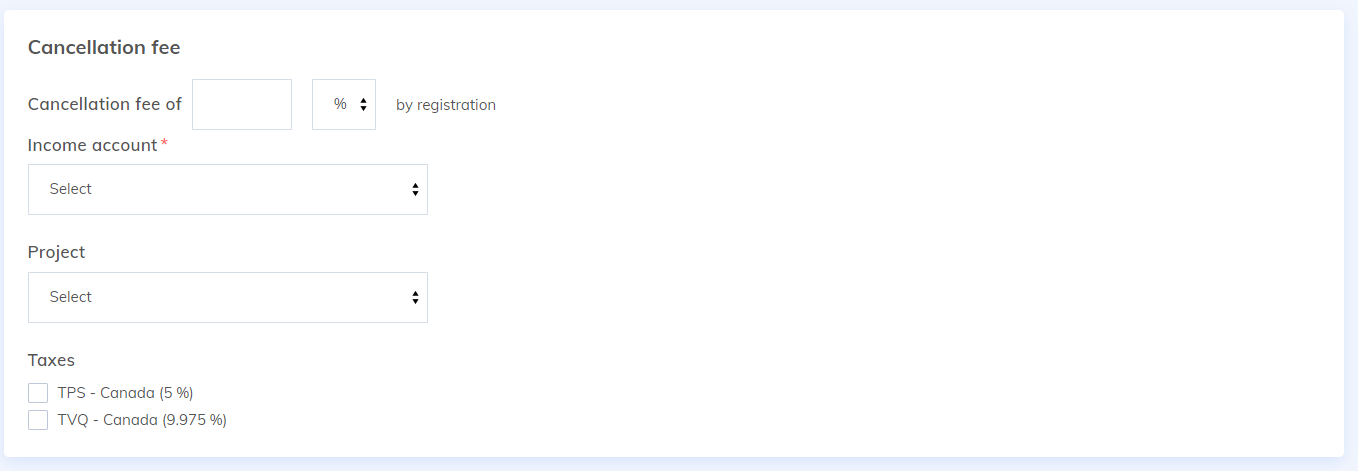
When you want to cancel the registration of a participant, you will only have to follow these steps and confirm the fees (it is possible to adjust them manually for each cancellation). If your payment processor allows it, you can even refund the fee directly!