
Search presentation
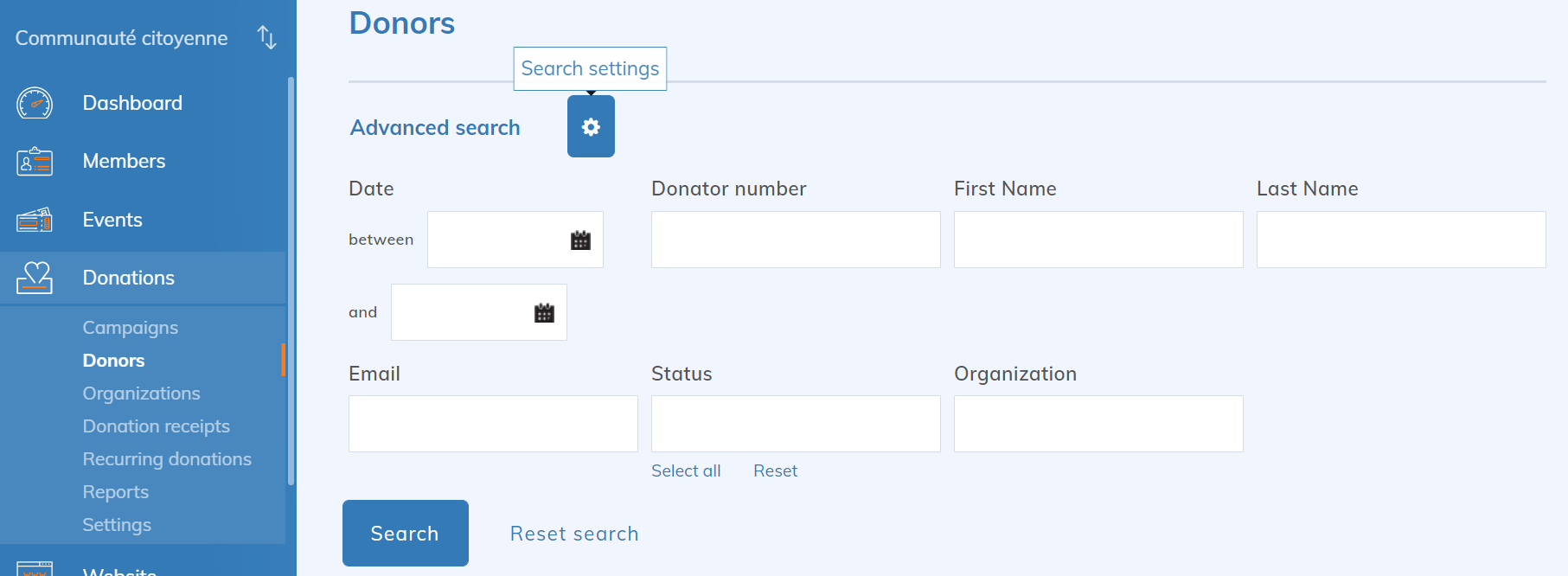
In the donor repository, you have complete control over the search form and its results. To determine which fields appear in the repository, click on the  :
:
Donations > Donors > Search settings
The Search presentation page allows you to select the fields present in the search form as well as their order of presentation.
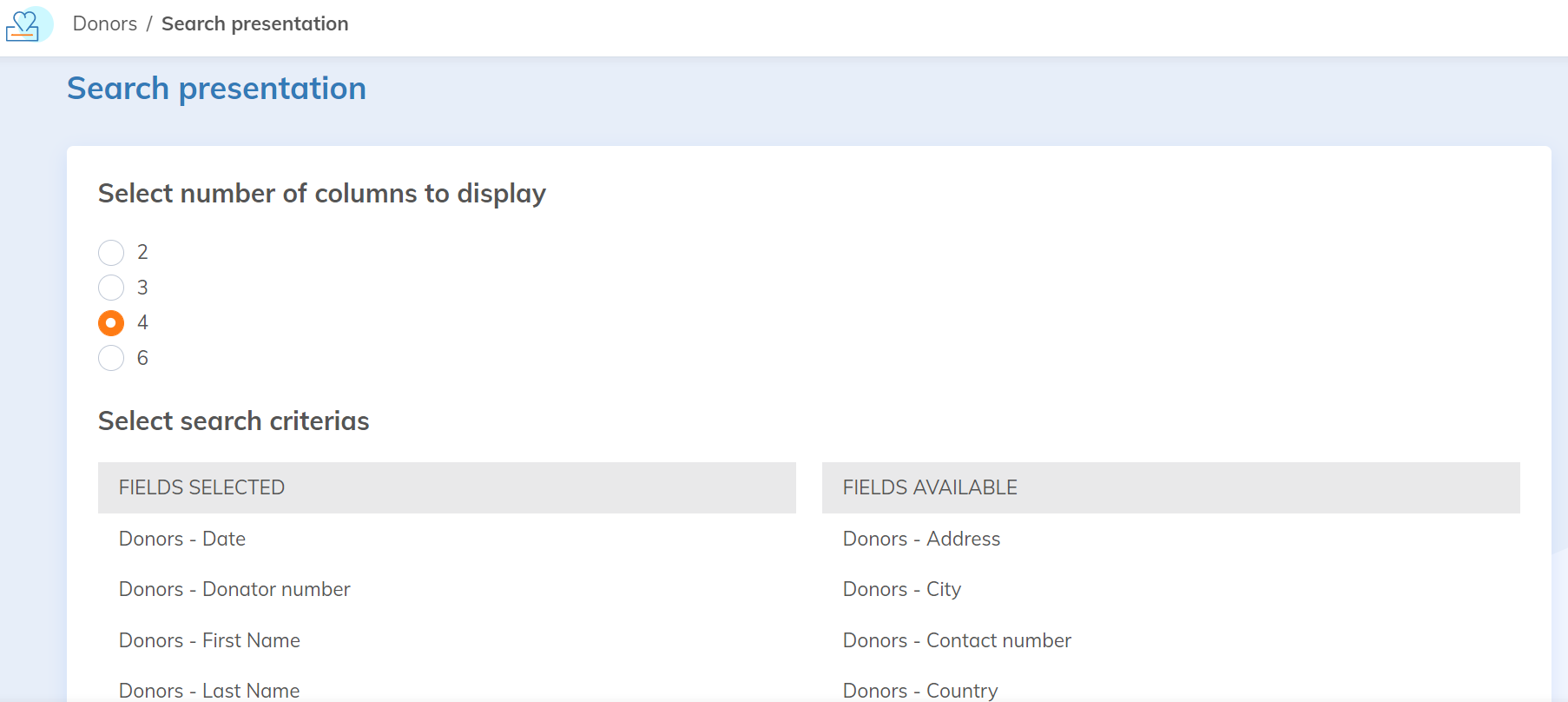
To add or remove a field, drag it between the Selected Fields and Available Fields sections.
Customize the search results
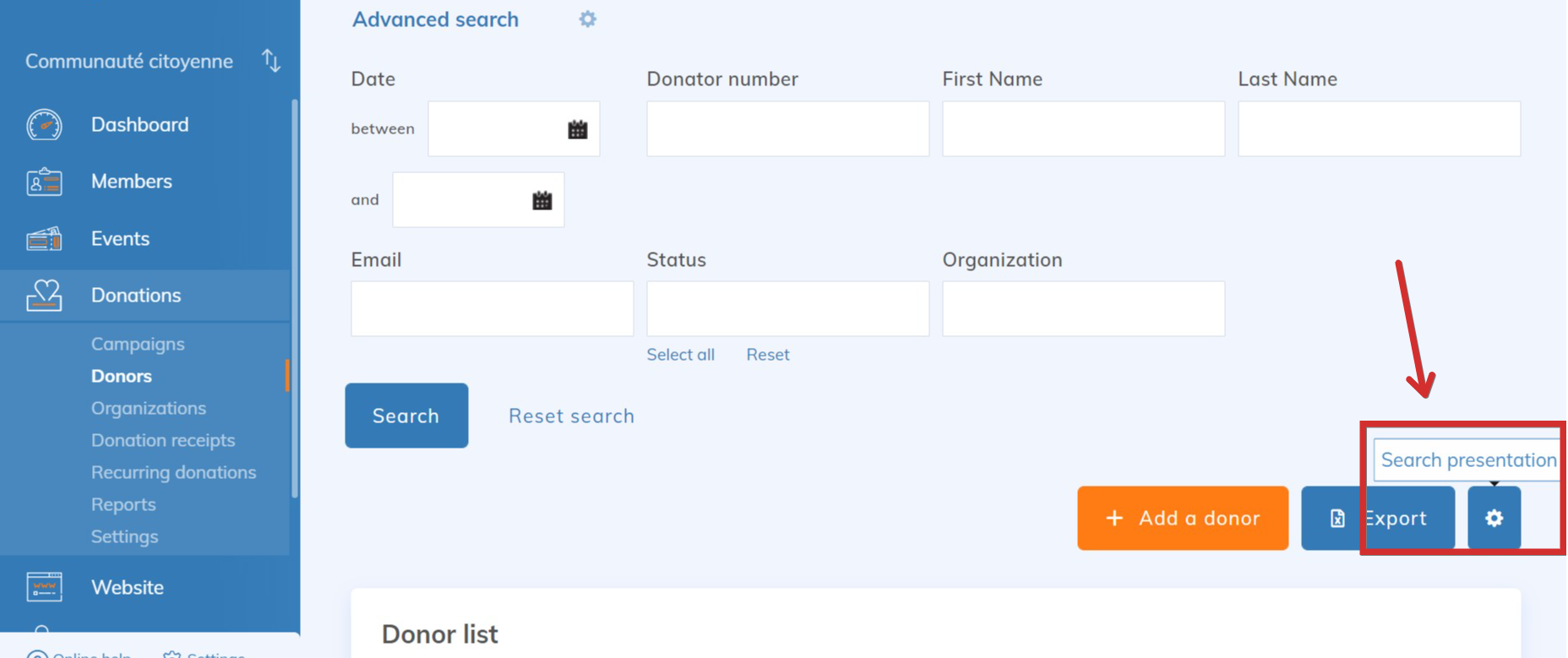
You can also customize columns present in the table of search results and their order of presentation.
Click on the next to the Donor list.
Donations > Donors > Search presentation
The Customize the search result page allows you to select the fields present in the results list as well as their order of appearance.
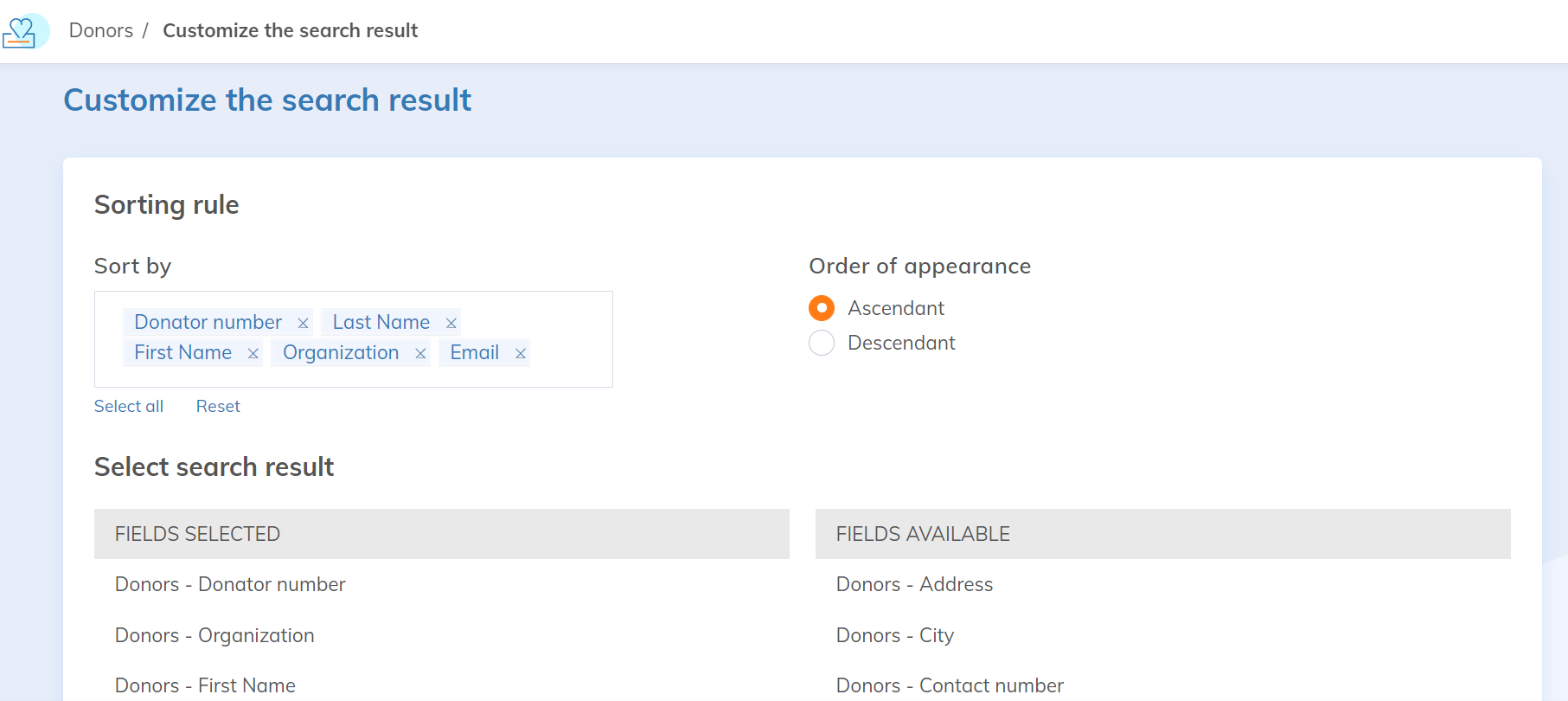
To add or remove a field, drag it between the Selected Fields and Available Fields sections.