
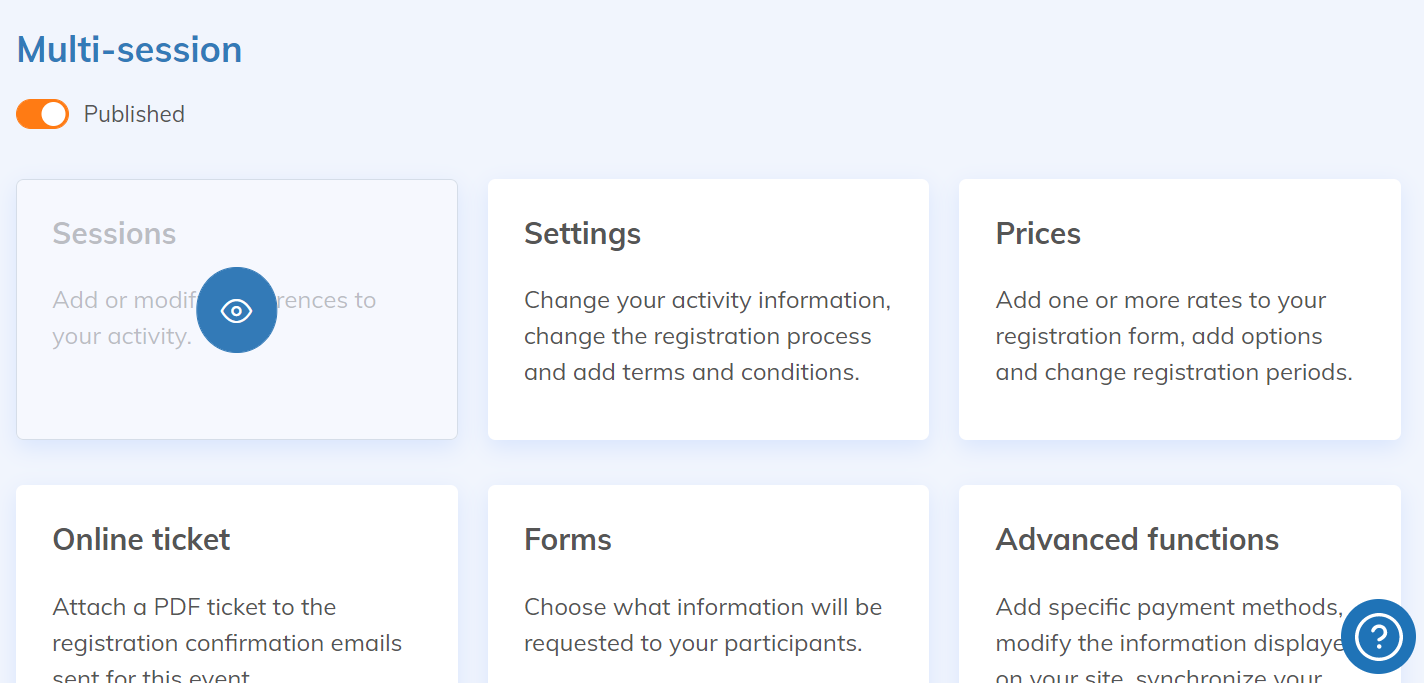
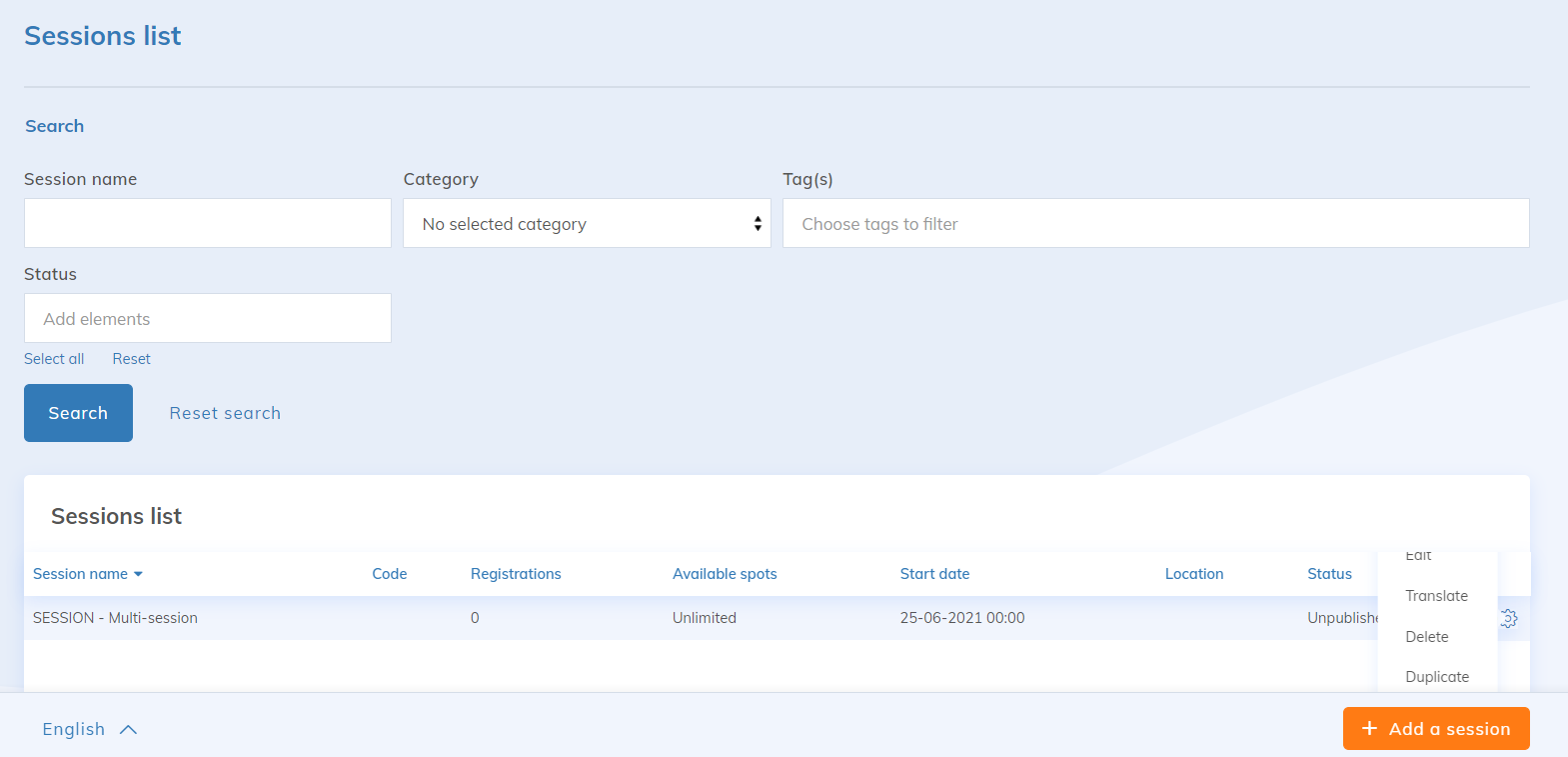
The Website application allows you to easily create web pages and associate modules to them. A module is a graphical component that manages one or more advanced functions of Yapla. It must be associated with a zone of a web page. Each module can be configured according to your needs.
When you click on a zone of one of your web pages, a menu appears where you can
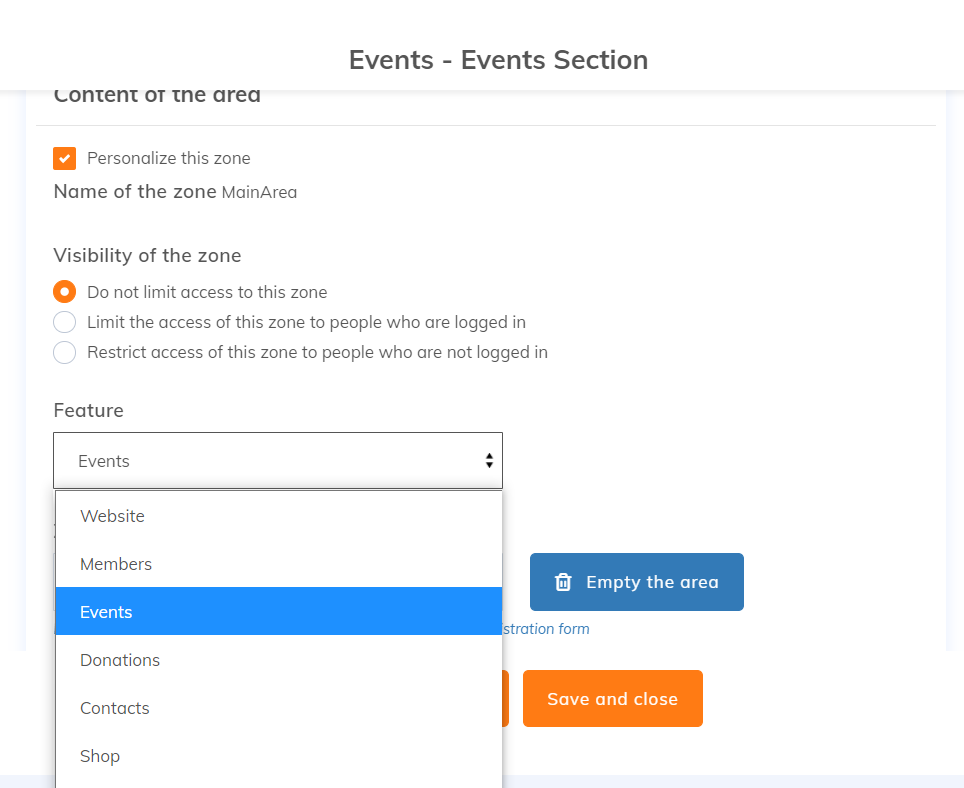
Choose the application
You can choose between the following application: Website, Members, Events, Donations, Contacts, Data and Newsletters. Here we will choose the Events application.
Choose the module
Once your feature is chosen, select the module you want to insert in your page area. We will choose Activity Section or Events Section.
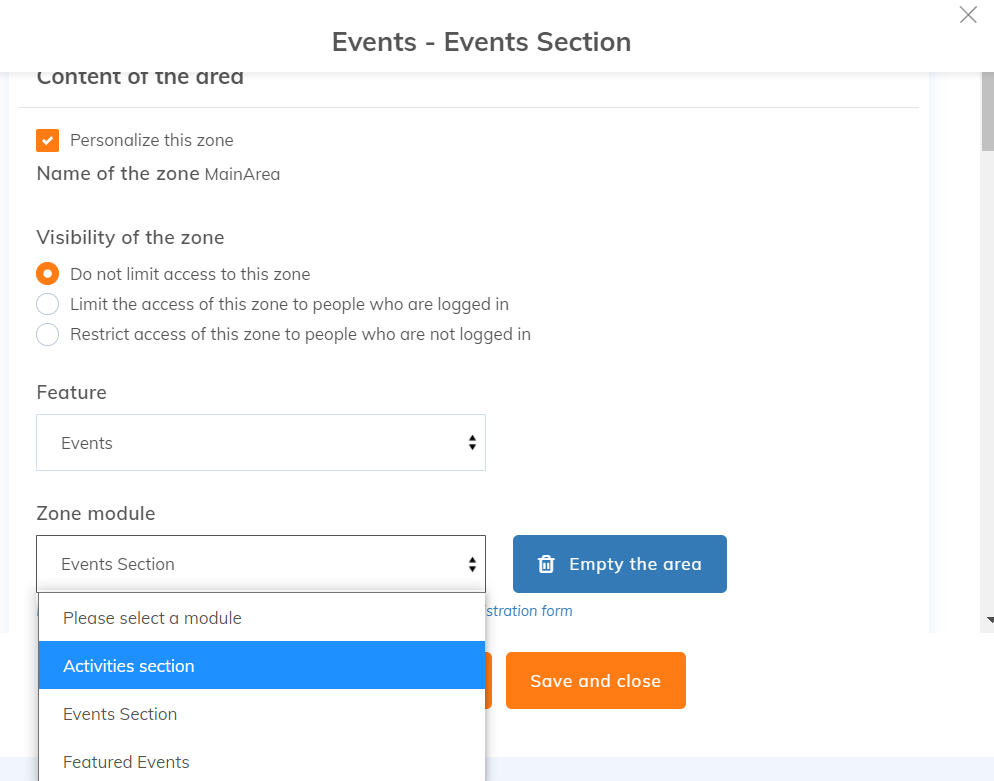
Reminder: your Yapla website must have both sections available to allow registration to your activities. Once you have chosen the application and the module, additional configurations will be available. To learn more about the modules, read this article: List of modules for the website application.