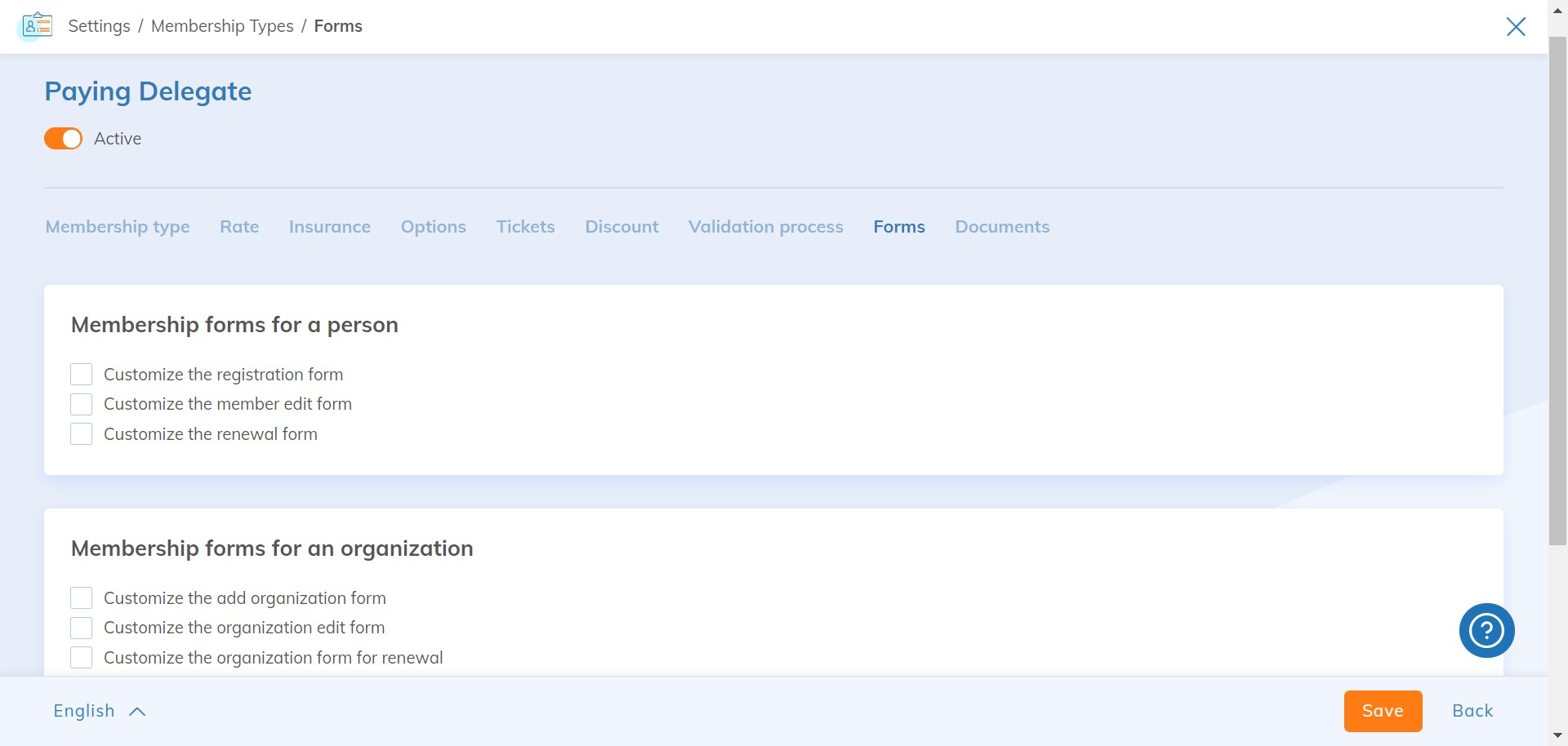
By enabling the "Group multiple members under the same membership" feature, you can manage organization / family type memberships.
See the list of native fields related to organizations .
To learn more about the general operation of forms and how to manage them, see this article.
Organization / Family Form Contexts
Here is the list of contexts for organization / family forms:
Website
-
- Add an organization / family (web): during the registration process for a first membership
- Edit an organization / family (web): in the member area, when an administrator updates their organization / family profile. This is also the form displayed during membership renewal
- View an organization / family (web): in the member area, information displayed before switching to edit mode
- View an organization / family via the private directory: the member area module allows the creation of a members-only directory. Using this feature, the form specified in this section will be displayed for viewing
- View an organization via the public directory: the member directory module allows the creation of a directory (private or public). Using this feature, the form specified in this section will be displayed for viewing
Yapla
-
- Add an organization / family: when creating a new entity
- Edit an organization / family: when modifying an existing entity
- View an organization / family: when viewing an entity's profile
Configure different forms based on organization / family memberships
Go to Members > Settings. Under Organization, select Forms.
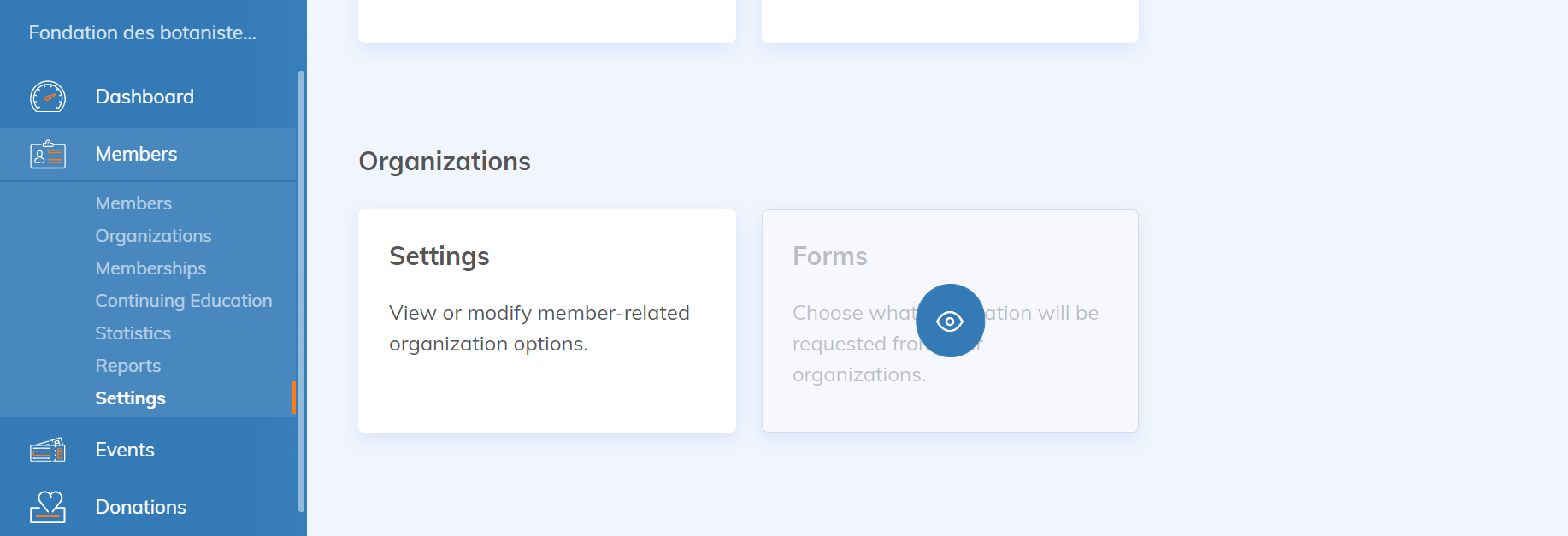
Here are the available options:
- Membership forms for an individual: concerns the representative
- Customize the registration form: visible when adding the representative during a first membership
- Customize the member edit form: visible in the member area when the representative edits their profile
- Customize the renewal form: visible during renewal when logged in
- Membership forms for an organization / family: concerns the entity
- Customize the add organization / family form: visible during a first membership
- Customize the organization edit form: visible when an administrator updates the organization / family profile in their member area
- Customize the organization form for renewal: visible during renewal when logged in
- Behavior of customized forms
- Disable customized forms for this membership in the administration: checking this box will ignore the above contexts in the administration and replace them with those from the general configuration.