Note that this attendance-taking feature does not apply to the attendance of your participants at your events. To manage attendance for your event participants, refer to the following articles:
- Confirm participants’ attendance at your events
- Guide | Manage participant check-in at events with the Yapla Companion mobile app
If you offer your members activities that do not require online registration — for example, daily employee attendance, member participation in daily activities, or volunteer attendance — you can record their presence manually or by scanning a unique barcode linked to their member profile.
This barcode can be added using the keyword Barcode directly in a communication or in a custom document, such as a membership card. Members can then present this message or document upon arrival to validate and scan their attendance.
Enabling attendance management
Attendance management through the administration is available starting from the Plus plan. To enable the feature, go to Members > Settings > Settings in the Advanced features sub-tab.
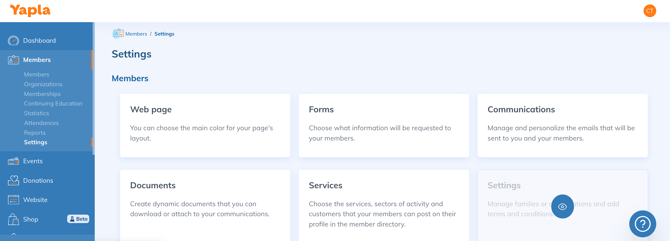
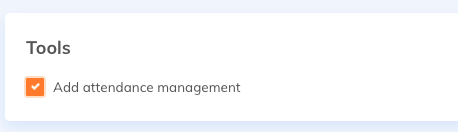
Then check the box Enable attendance management in the Tools section, and save.
Attendance recording option – Manual
To manually record a member’s attendance, go directly to their profile and select the Attendance log tile. This page allows you to view the attendance history and add a new entry manually.
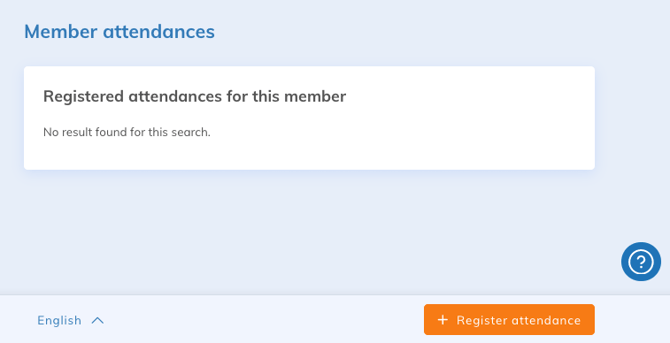
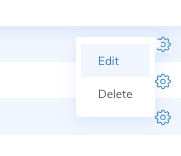
A recorded attendance can later be edited: date, time, or by adding a comment.
Attendance recording option – Via scanner
To scan through the administration, you must use a phone, tablet, or computer equipped with a camera and be logged into your Yapla account.
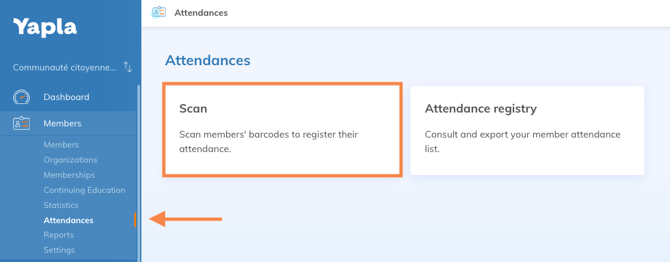
In the Members tab, click on Attendance, then on the Scan tile. The camera of the device will open — make sure to allow access.
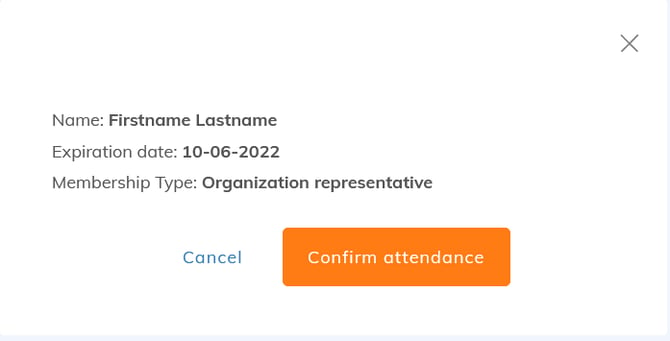
The scanner detects the member’s barcode. Once scanned, a summary of their profile and membership appears. Confirm the attendance.