
The Contacts feature automatically consolidates all the contacts in your organization into the Contacts tab. It gives you quick, centralized access to every contact and their information, whether they are members, donors, or volunteers. With just one click. This list is also automatically synchronized with Yapla Newsletters, ensuring your communications are always up to date.
Where can I manage the synchronization of contacts?
Every Yapla application that manages contacts (Members, Donations, Events, Data) synchronizes with the Contacts application. By default, synchronization is enabled.
Synchronization is configured in the settings of each application :
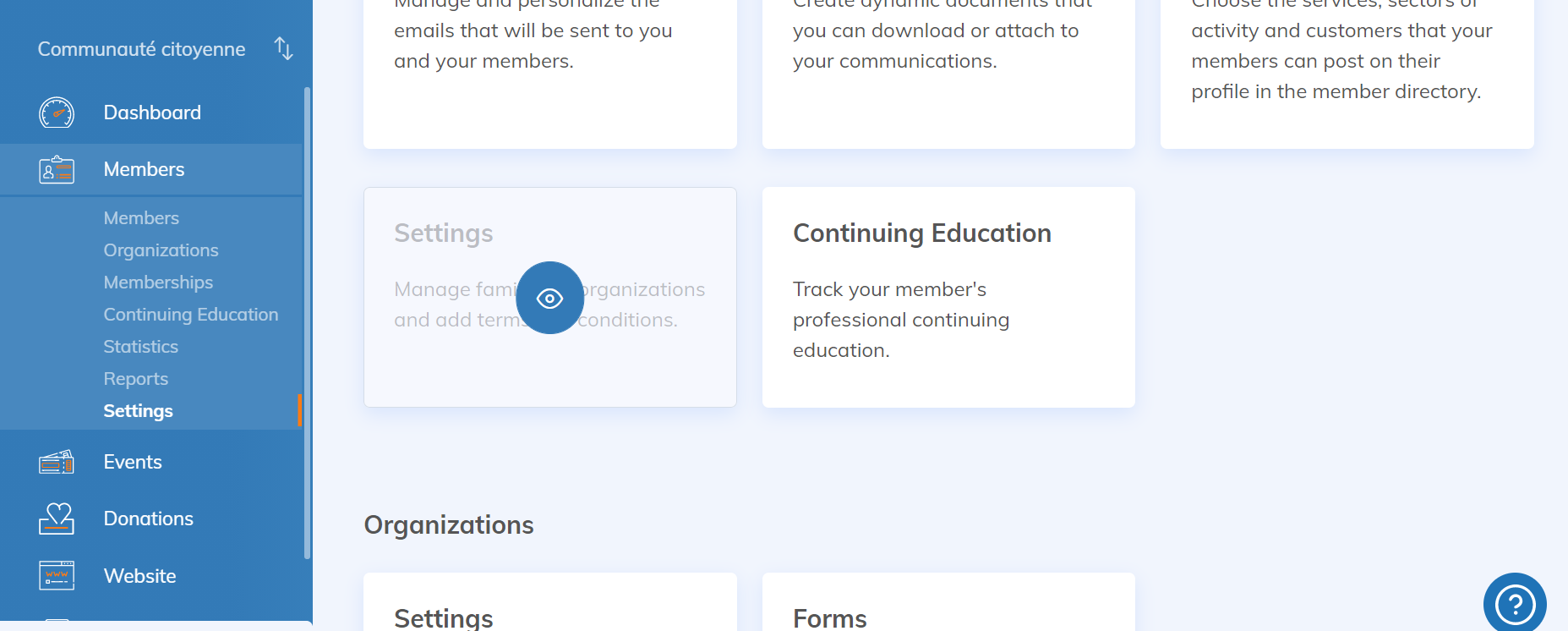
Members
Members > Settings > Settings > Synchronization
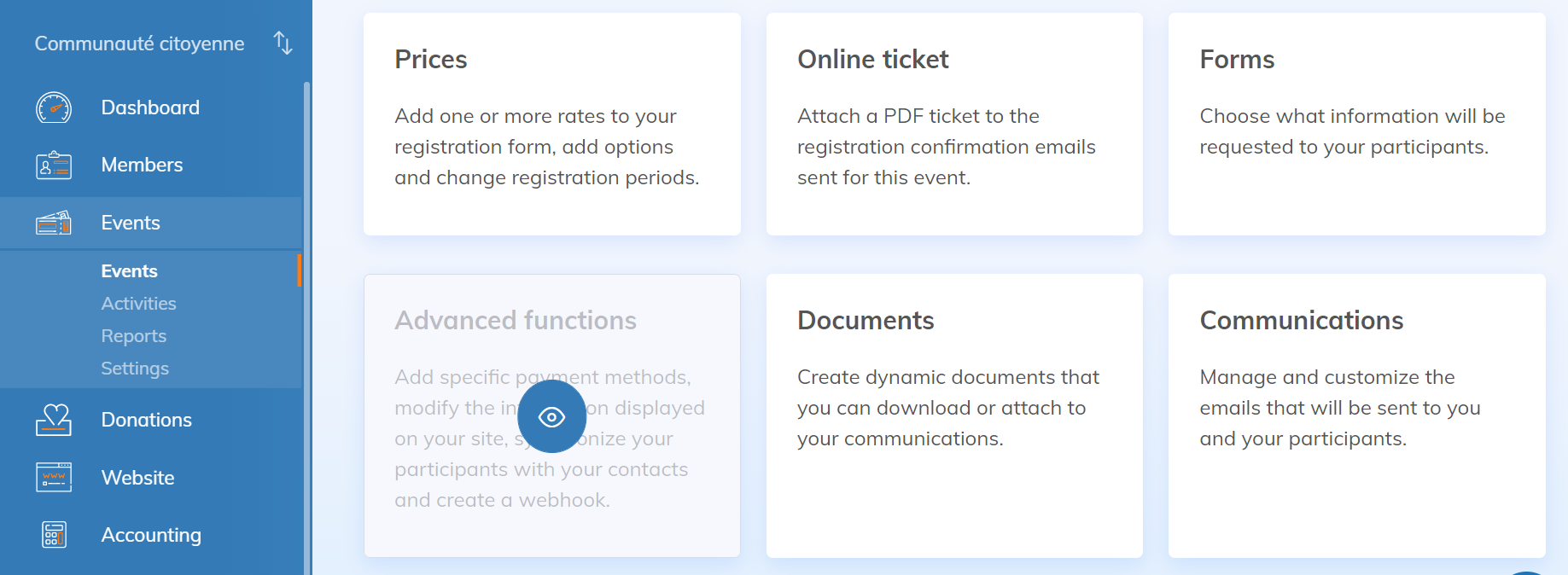
Events
Select your event > Advanced functions > Synchronization
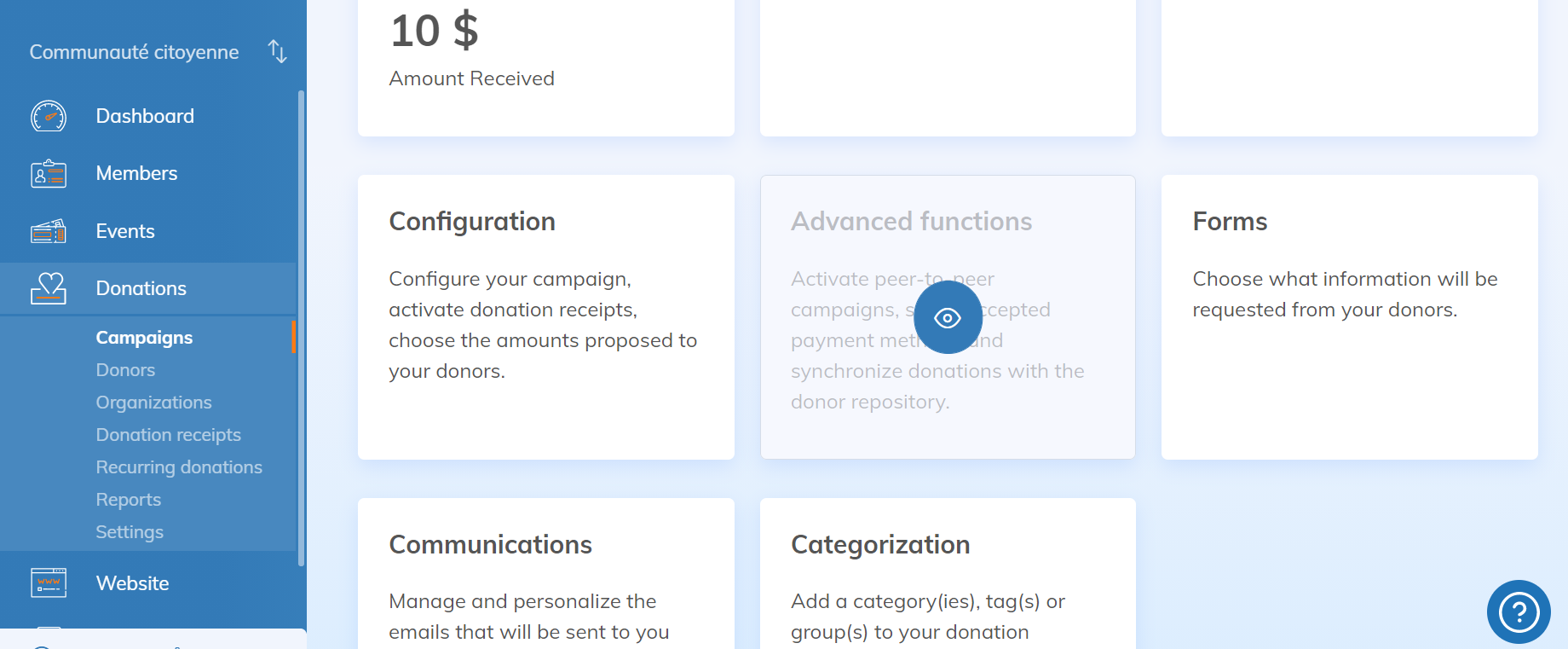
Donations
Select your campaign > Advanced functions > Synchronization
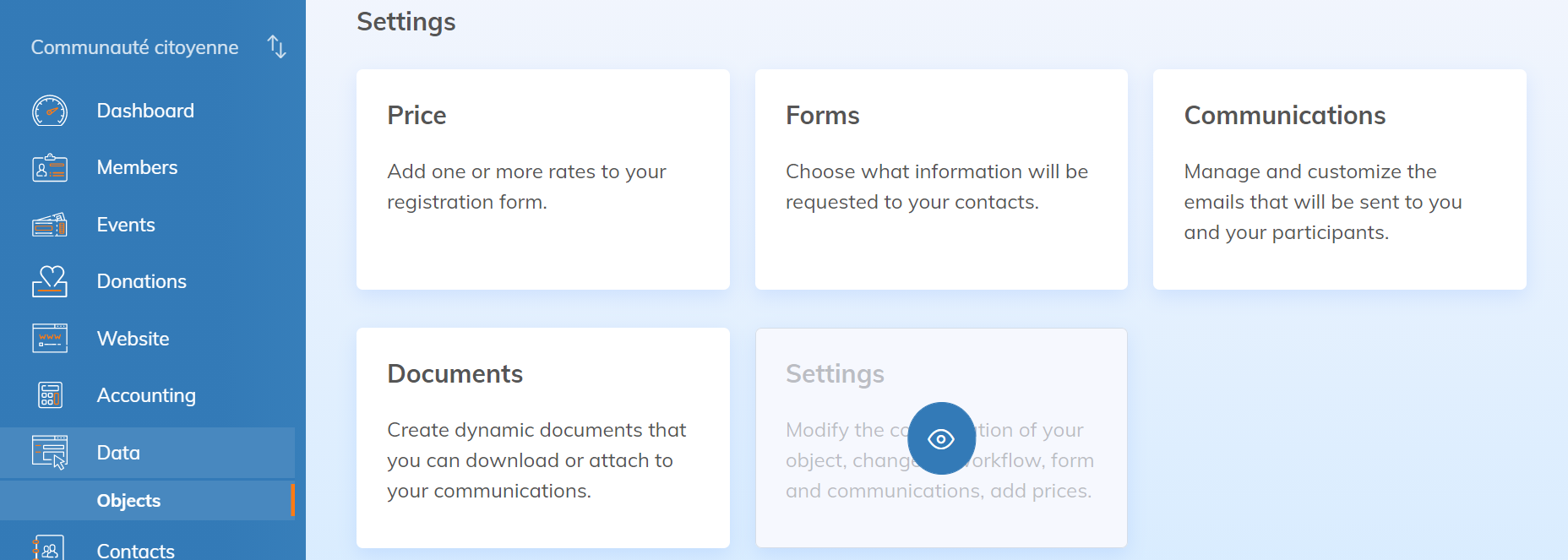
Data
Select your object> Settings > Synchronization
Turn off automatic synchronization (if needed)
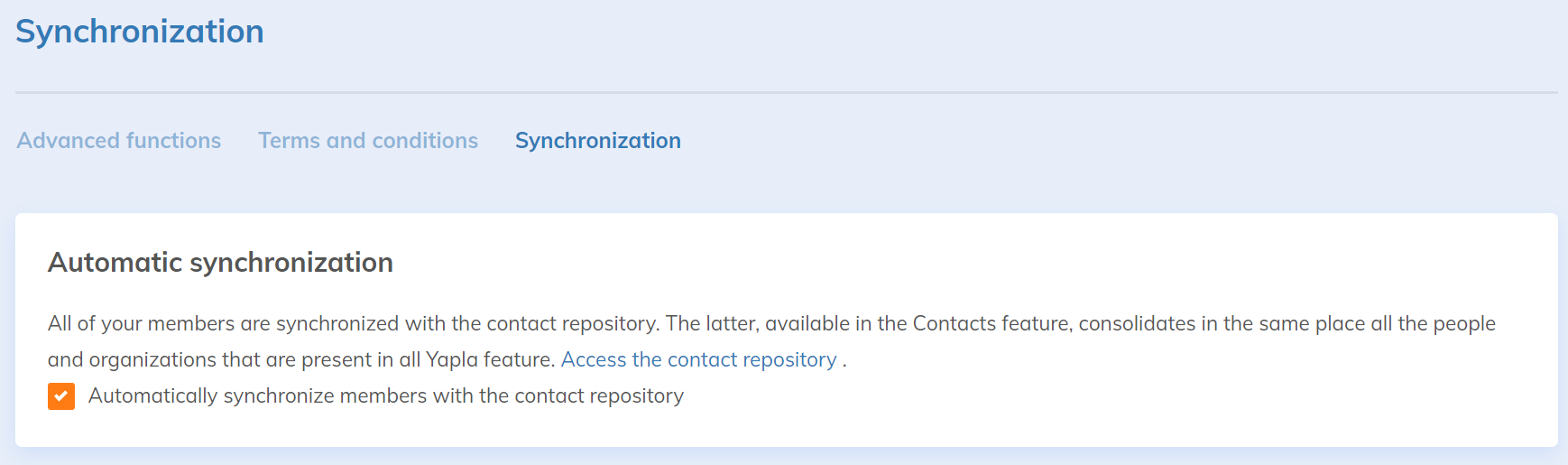
Once you're on the Synchronization tab, simply check the Automatically synchronize members with the contacts database option.
By default, synchronization is already enabled. For example, every new member you add in admin mode, or who signs up through your website, will automatically be added to the Contacts feature list.
If you uncheck this option, new members and updates will not be synchronized.
Use manual synchronization
The "Contacts" application does not synchronize retroactively: not all contacts you collected before the application was implemented are automatically moved back into the "Contacts" application.
Similarly, if you uncheck automatic synchronization and then reactivate it, contacts collected in the meantime will not be added automatically.
You can therefore use the "Start a Manual Synchronization" button to force the update of the contact repository: only contacts not present will be added, so there will never have duplicates.

Updating contact information
When your contact information is updated (for example, a member's first name in their member record), the new information will be uploaded to the "Contacts" application, either through automatic synchronization or manual synchronization.