
The different languages in your account can be enabled/disabled in the menu Settings > Languages.
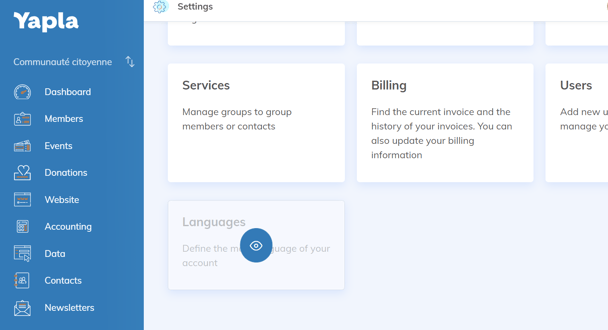
To get there, choose the "Languages" menu in "Settings" :
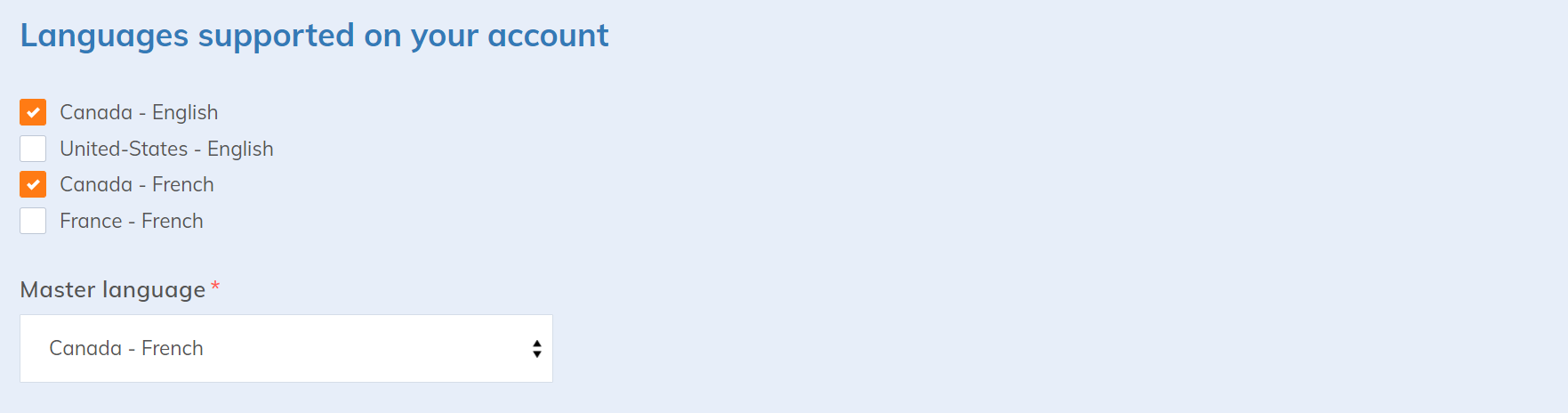
Select the supported languages and click  .
.
Master language
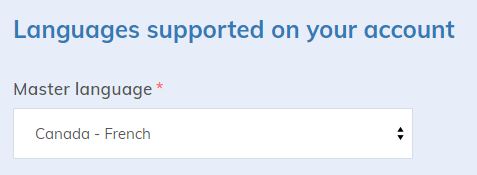
Then choose your master language. The main language is the language that will be assigned by default when creating users and members.
Multilingual *
You also have the possibility to configure the languages available on your website. Please note that it is only possible to choose an English and/or French version.
Starting with the Plus plan *