
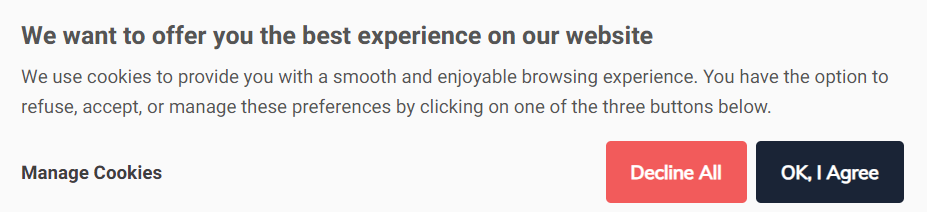
Cookie consent is a step where you, as the website owner, ask your visitors for permission to use files called "cookies" on their browsers. By implementing this consent request, you ensure compliance with privacy and data protection regulations.
Yapla allows you to activate this function at the bottom of your website:
How to activate the function?
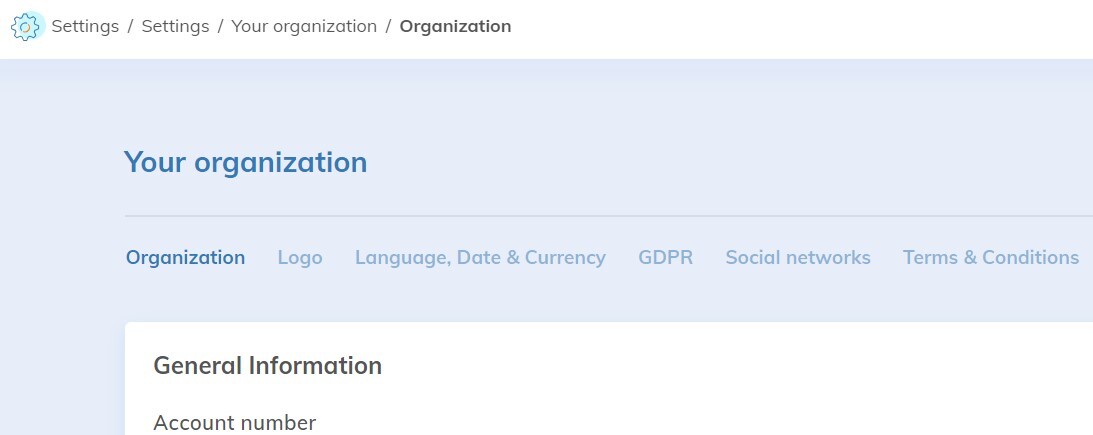
Go to Configuration > Your organization > Terms & conditions
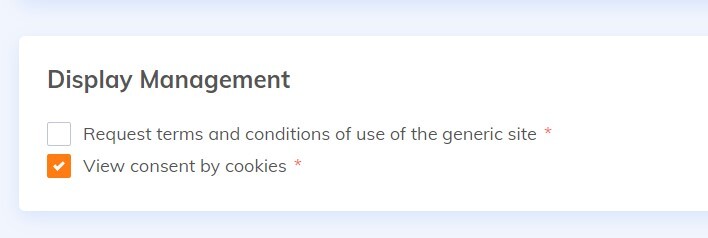
Then check the "View consent by cookies" box
To find out more
À propos des termes et conditions de votre site web